
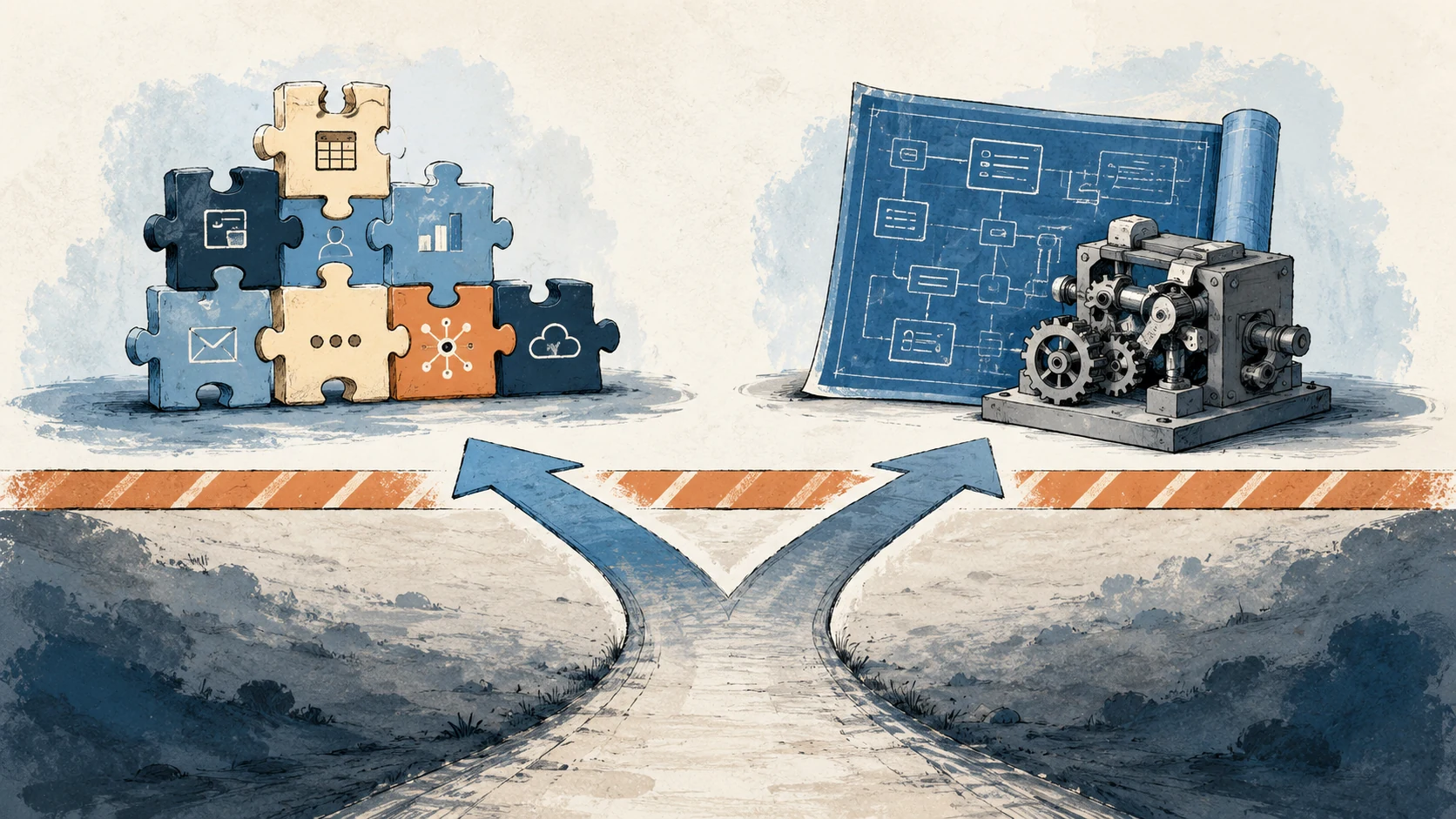
Zapier is the default for small-business automation in 2026, and for good reason. It is fast, cheap, and covers 80 percent of the common cases. But there is a real threshold past which Zapier becomes the bottleneck rather than the solution. Four signals tell you which side of that threshold you are on.
The four signals
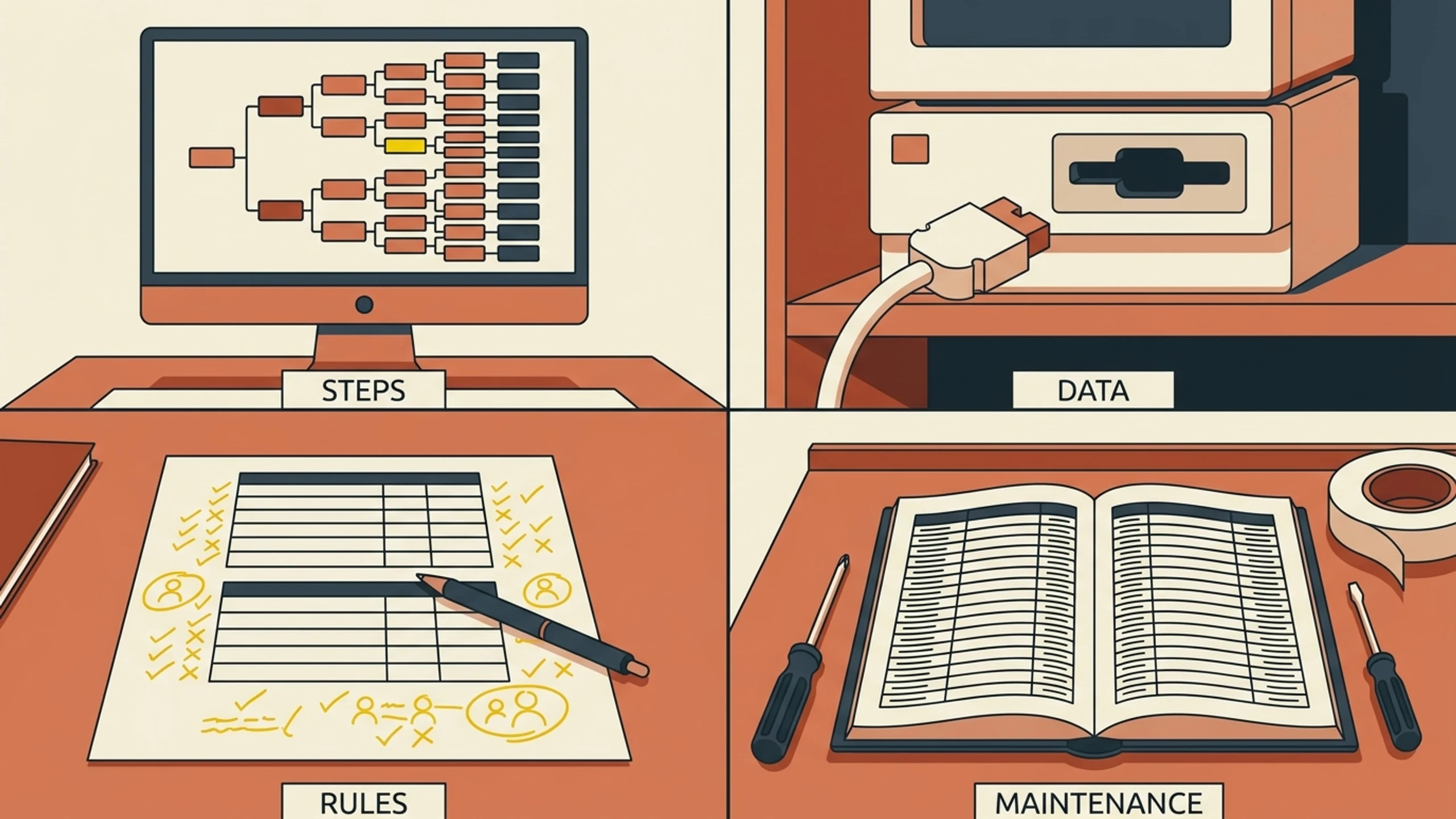
Four things push a flow past what Zapier handles well: the number of steps, where the data lives, how much of the logic is judgment, and how much upkeep the flow demands.
Signal 1: You have crossed the seven-step zap line
Zapier excels at simple flows. Two to four steps, a clear linear path, one decision point at most. Past about seven steps with conditional logic, Zapier becomes hard to debug. The interface was not designed for understanding 10-path conditional flows. You will know you are past this line when you spend more time in the Zap editor than the Zap saves you.
If this is you: consider option 3 (custom software) or option 2 (move up to a more powerful platform like n8n self-hosted or Workato). Read our alternatives post for the comparison.
Signal 2: Your data lives in systems Zapier struggles to reach
Zapier has thousands of integrations, biased toward popular SaaS apps. It struggles with: legacy on-prem systems, industry-specific platforms (rental management systems, HVAC dispatch tools, manufacturing ERPs), database-only systems, and any system without a modern REST API. If your business runs on a 2003 RMS, an Epicor Eclipse install, or a customized version of Foundation construction accounting, Zapier is fighting you.
If this is you: custom software that connects directly to your data sources (often through a database adapter rather than a SaaS API) is usually the better fit.
Signal 3: The flow has business rules nobody else can model
The classic case: a quoting calculator. Your shop's pricing logic depends on material grade, quantity tiers, customer-specific contract terms, current vendor cost, and a "how busy are we" factor your estimator applies by gut. That logic is institutional knowledge. Zapier cannot model it well because Zapier was designed for "if X then Y," not for "compute Y based on a 14-input function with edge cases."
If this is you: custom software is the only answer. The DIY automation tools cannot encode this kind of logic without becoming custom software in disguise (and the disguise is the worst of both worlds).
Signal 4: Maintenance is eating your team
You built a Zap. It worked for six months. Then a SaaS API changed and the Zap broke. You fixed it. Three months later another piece broke. The fix took four hours because nobody documented how the original Zap worked. The cost of maintaining the Zap is now larger than the time it was supposed to save.
If this is you: custom-plus-managed software (read our primer on the category) eliminates this problem because maintenance is contractual. Custom-from-a-dev-shop has the opposite problem (worse maintenance question than Zapier). DIY automation with a hired consultant is in the middle.
Reading the signals together
If zero or one of the four signals applies, stay on Zapier. The math will not pencil for custom software.
If two of four apply, you are at the threshold. Either invest in tightening up your Zaps (consultant or platform upgrade) or start scoping custom software.
If three or four of four apply, custom software is almost certainly the better answer. The question is just which delivery model: project-based dev shop, custom-plus-managed, or internal hire. Read our cost breakdown post for the financial comparison.
The test
Open your Zapier account. Sort your Zaps by error rate over the last 90 days. Look at the top three. For each:
- How many steps?
- How often does it break?
- How long does the fix take?
- How much business value does the Zap actually deliver per month?
If any single Zap is breaking more than once a month and taking more than 2 hours to fix, that Zap is a custom-software candidate. The math will pencil.
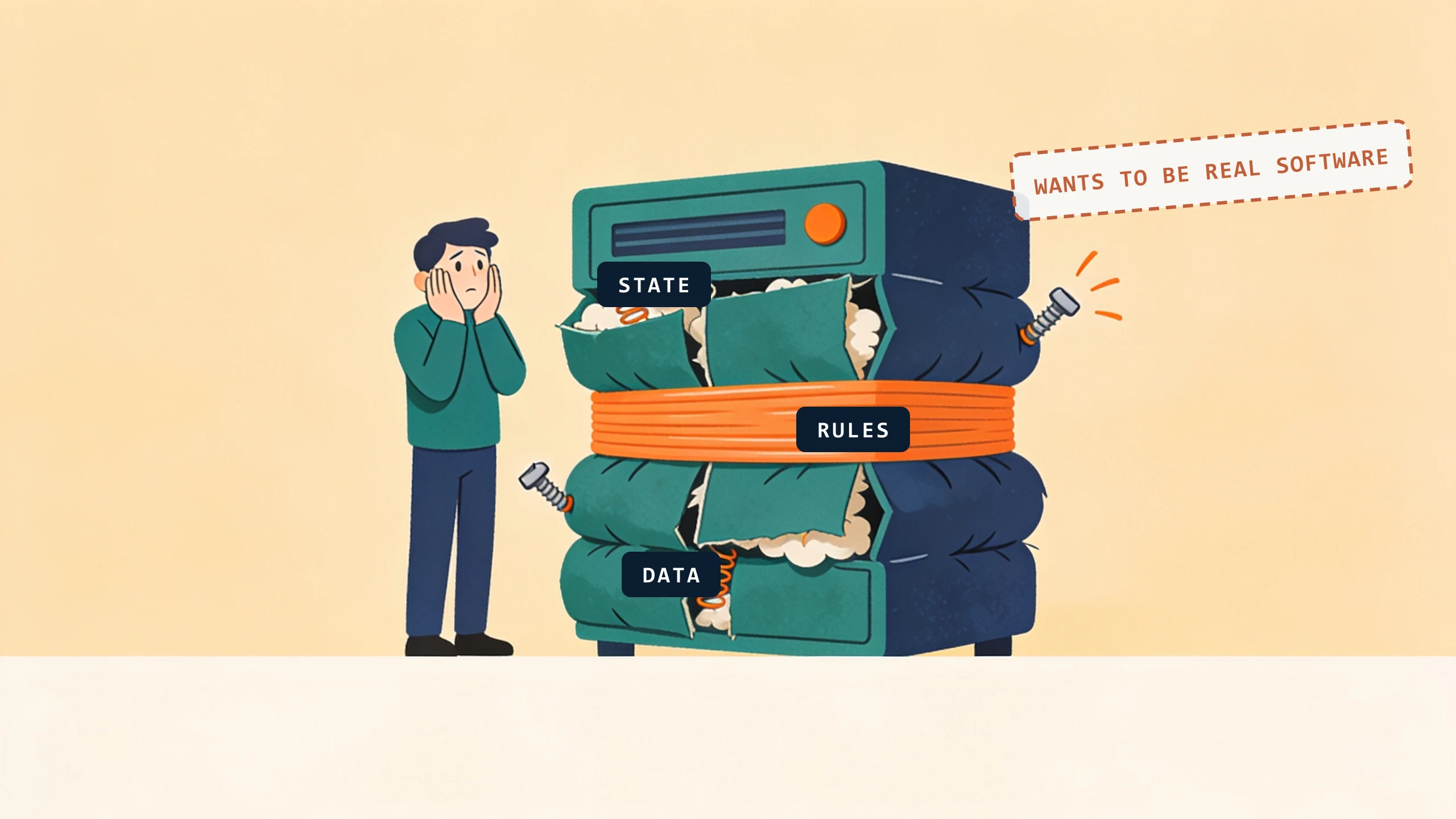
We boil it down to one question in discovery: does the flow need to remember state, branch on its own rules, or own the data? Whenever the answer is yes, the Zap is a rubber band holding together something that wants to be real software, and that shows up the first morning we map the flow on a whiteboard.
What it looks like when they all stack
Take a 24-person commercial GC running an estimating Zap for 18 months. The Zap takes an inbound RFP email, parses the line items, looks up similar past bids in a Google Sheet, and emails the estimator a proposed first-pass quote.
It worked, for about three months. Then signals stacked up:
- Signal 1 (steps): The Zap grew from 6 to 11 steps as the team added "if owner is X, lookup pricing in Sheet B" and "if scope contains Y, alert PM Z" rules. Edit time per change went from 10 minutes to 90 minutes.
- Signal 2 (data): Their subcontractor pricing lived in Foundation construction accounting. No Zapier integration. The Zap pulled from a stale Google Sheet copy that someone updated weekly, by hand. The "current pricing" was usually 4 to 9 days old.
- Signal 3 (rules): The estimator's pricing logic for one specific customer involved a 7-input function with two edge cases. The Zap modeled three of the seven inputs. Estimators overrode the Zap output 60 percent of the time, which made it a worse-than-doing-it-manually situation.
- Signal 4 (maintenance): Three Zap breakages in the prior 90 days, totaling 14 hours of estimator time fixing them. The Zap was supposed to save 5 hours per week. It was now costing more than that.
Four of four signals. Custom-plus-managed software is the obvious answer. The ByteQuix replacement is a bid-template engine that reads directly from Foundation, models the full 7-input pricing function, and surfaces the override-able fields explicitly. Live in 1 to 3 weeks after a one-time pilot fee. Target per-bid response: 4 hours instead of 3 days. Read the full example at commercial GC bid template engine.
The lesson: by the time you have four signals stacked, you are not "evaluating custom software." You are paying for it anyway, in maintenance hours, late bids, and pricing errors. The custom build replaces an existing cost rather than adding a new one.
What to do this week
Pick the most error-prone Zap. Estimate its monthly maintenance cost in hours. Walk us through it on a free 30-minute discovery call and we will tell you whether it is a fit for custom-plus-managed or whether option 2 (a more powerful DIY platform) is the right answer.
No pitch, no pressure. We diagnose, you decide.
Have a question? We reply by email, no call needed.