
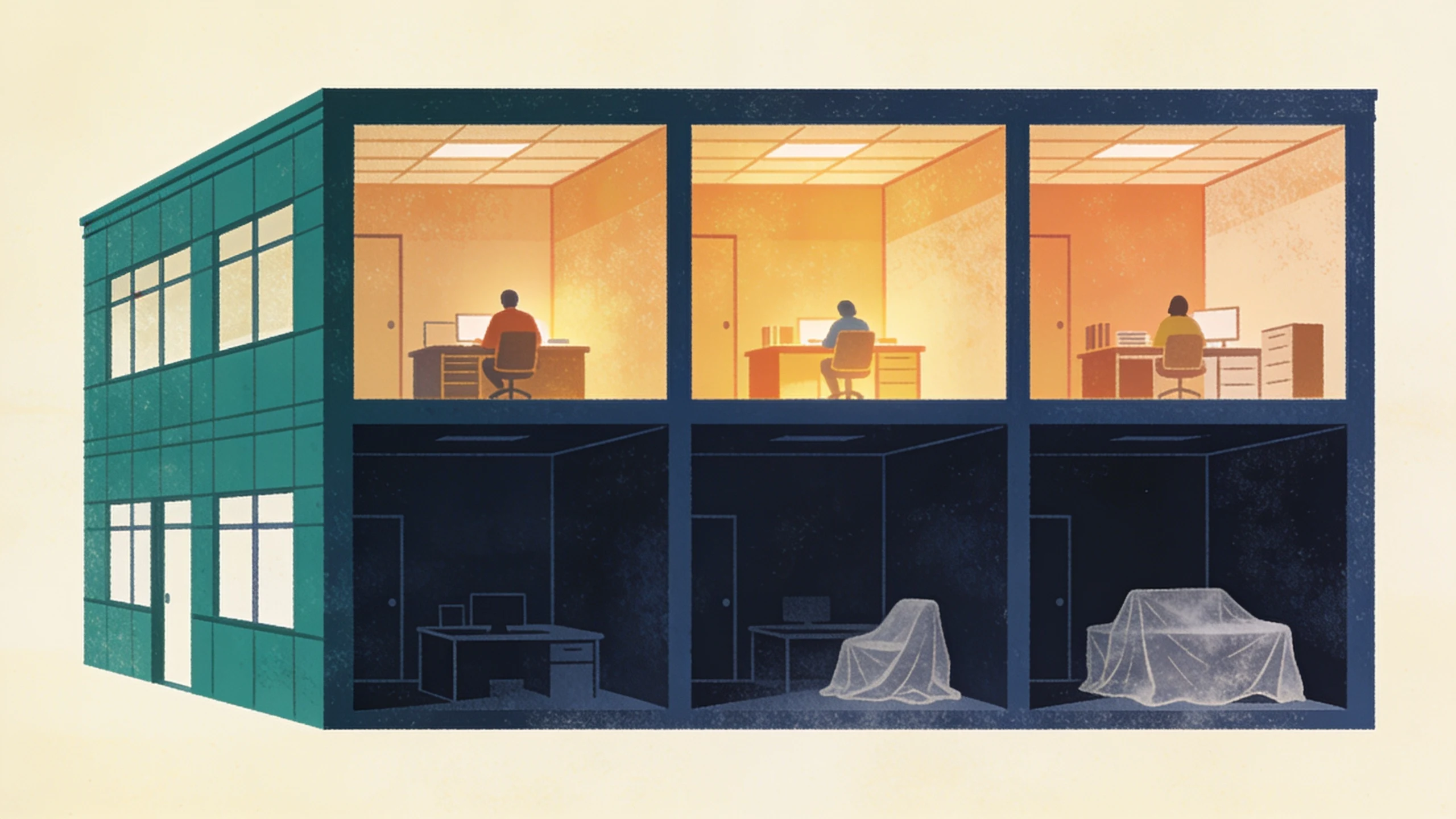
ERP stands for enterprise resource planning, a name coined in the 1990s that says almost nothing about what the software does. Strip the jargon and the idea is simple: one suite that runs a company's core operations on a single shared database. This post explains what that means, what the modules do, and how to tell whether a company your size needs one.
What an ERP system is
The defining feature is not any one module. It is the shared database underneath them. When a sales order lands in an ERP, the inventory count adjusts, the purchasing forecast updates, the invoice draft appears in finance, and the numbers on the owner's dashboard move, all from one entry. Nobody retypes anything. No two departments argue over whose spreadsheet is right, because there is only one set of records.

That is the pitch, and when it fits, it works. The catch is that everything arrives as one suite: one vendor deciding your data model and your way of working, whether or not every module fits how the company actually runs.
What the modules actually do
Vendors slice the suite differently, but five jobs show up in nearly every ERP system:
- Finance and accounting: the general ledger, payables, receivables, and reporting. The system of record for money.
- Inventory and purchasing: what is on hand, what is committed, what to reorder, and from whom.
- Orders: quotes, sales orders, and fulfillment, connected to both inventory and invoicing.
- Production or job costing: for manufacturers and contractors, what each job consumes in materials and labor, against what was estimated.
- People: time, scheduling, and sometimes payroll, tied to the jobs the hours were spent on.
ERP vs accounting software vs everything else
For most companies under about 30 people, QuickBooks already is the finance module, and it is not the weak link. The gap is everything around it: the inventory count in one app, the quoting logic in a workbook, the job schedule on a whiteboard, and the retyping between them. An ERP fixes that by replacing all of it at once. The alternative is to keep what works, QuickBooks included, and connect or rebuild only the pieces that leak. That is the difference between an ERP and the custom tools a small business builds around its existing stack: the suite replaces your process wholesale, the tools join the process you already run.
Does a small business actually need an ERP?
Sometimes, yes. Four situations justify a full suite: consolidating finances across multiple legal entities, regulated traceability where an auditor needs one unbroken record from raw material to shipped unit, allocating stock across several warehouses in real time, and complex revenue recognition. If two of those describe your company, a real ERP such as NetSuite, Odoo, Acumatica, or Epicor is the right conversation to have, and a fair implementation partner will earn their fee.
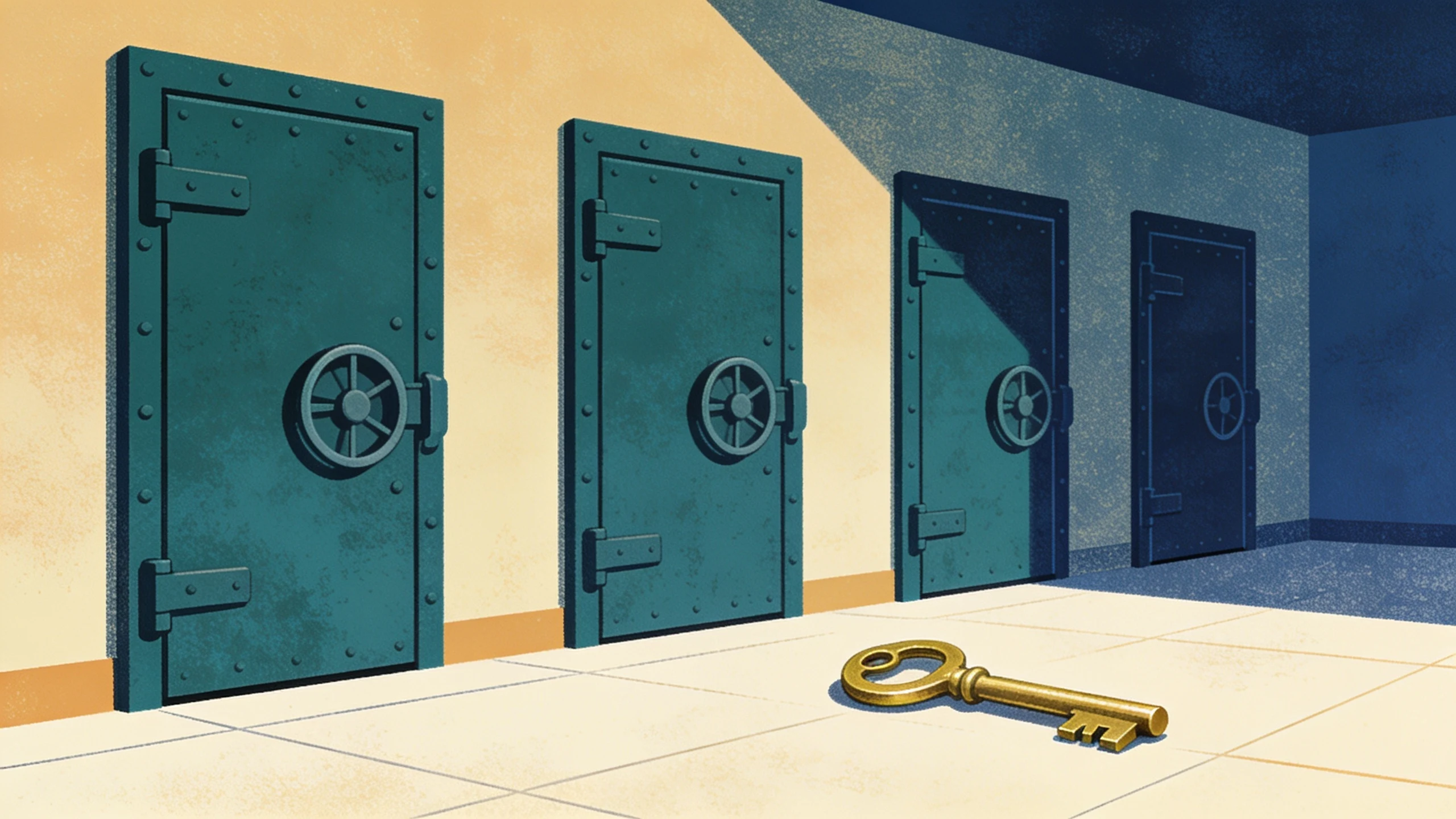
Most companies asking the question are not in those situations. They have two or three workflows that hurt, usually quoting, inventory counting, or the order-to-invoice handoff. Buy the suite anyway and the other modules sit configured but unused, still paid for, still worked around. For that shape of company the answer is narrower: keep what works and build the two or three workflows an ERP would replace, around the process the company already runs.
What an ERP system costs
An ERP quote has three parts. The per-user monthly license, which scales with headcount whether or not each seat touches more than one module. The implementation, quoted separately, usually a multiple of the first year's licensing and measured in months. And the part no one quotes: the process changes, because a suite encodes its own way of working and the company adapts to it, not the other way around.
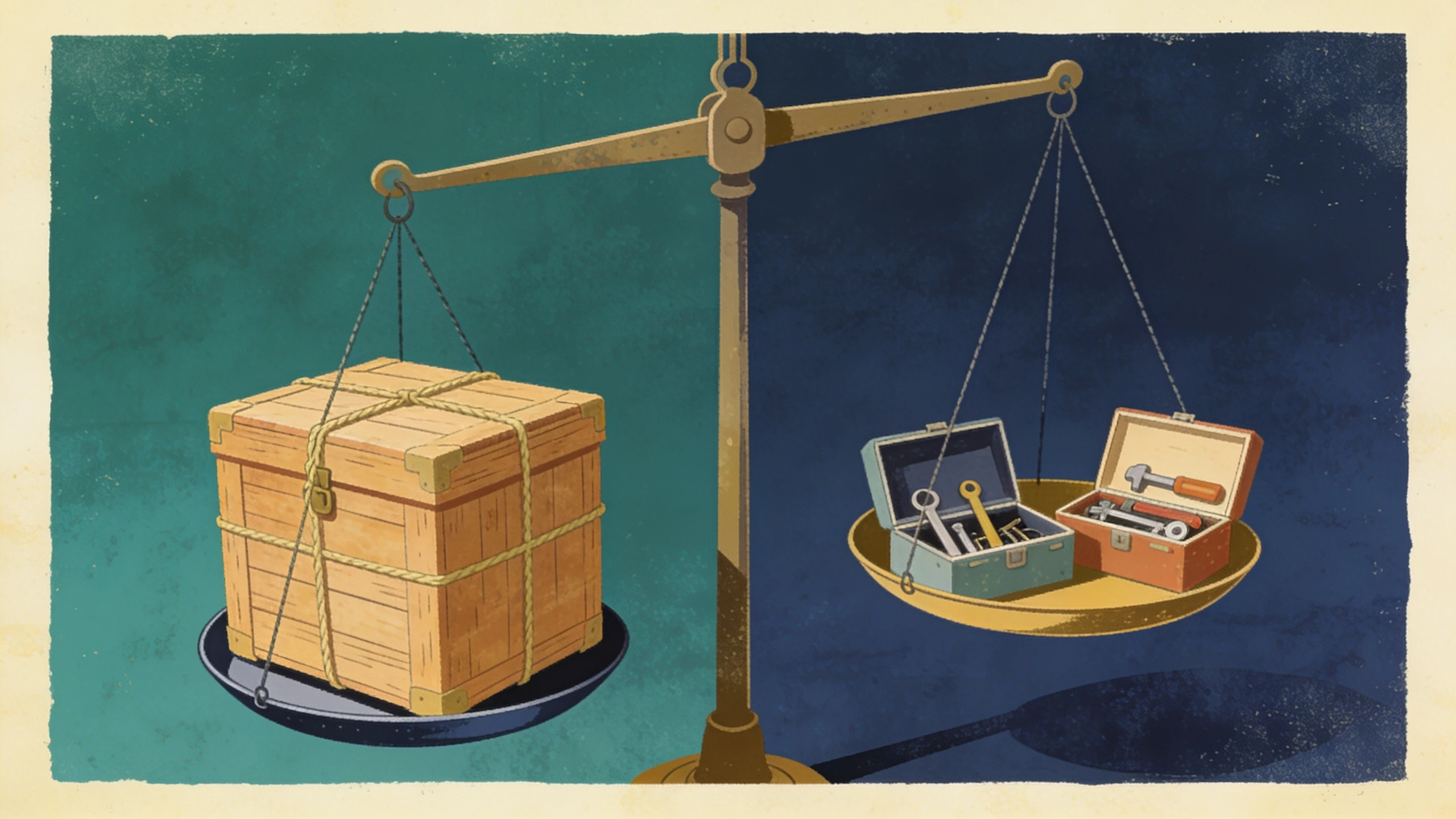
Building the two or three tools instead prices differently. A one-time pilot ships the first tool in 1 to 3 weeks against an outcome agreed up front, then the engagement graduates onto a flat monthly fee that covers running and extending it. One workflow at a time. No seat math. QuickBooks stays exactly where it is.
What to do this week
Write down the two workflows that generate the most retyping in your company. If they map to one of the four suite situations, take the ERP vendor call. If they do not, book a free 30-minute discovery call and we will tell you plainly which kind of fix fits, a suite or two tools, and what either would take.
No pitch, no pressure. We diagnose, you decide.
Have a question? We reply by email, no call needed.