
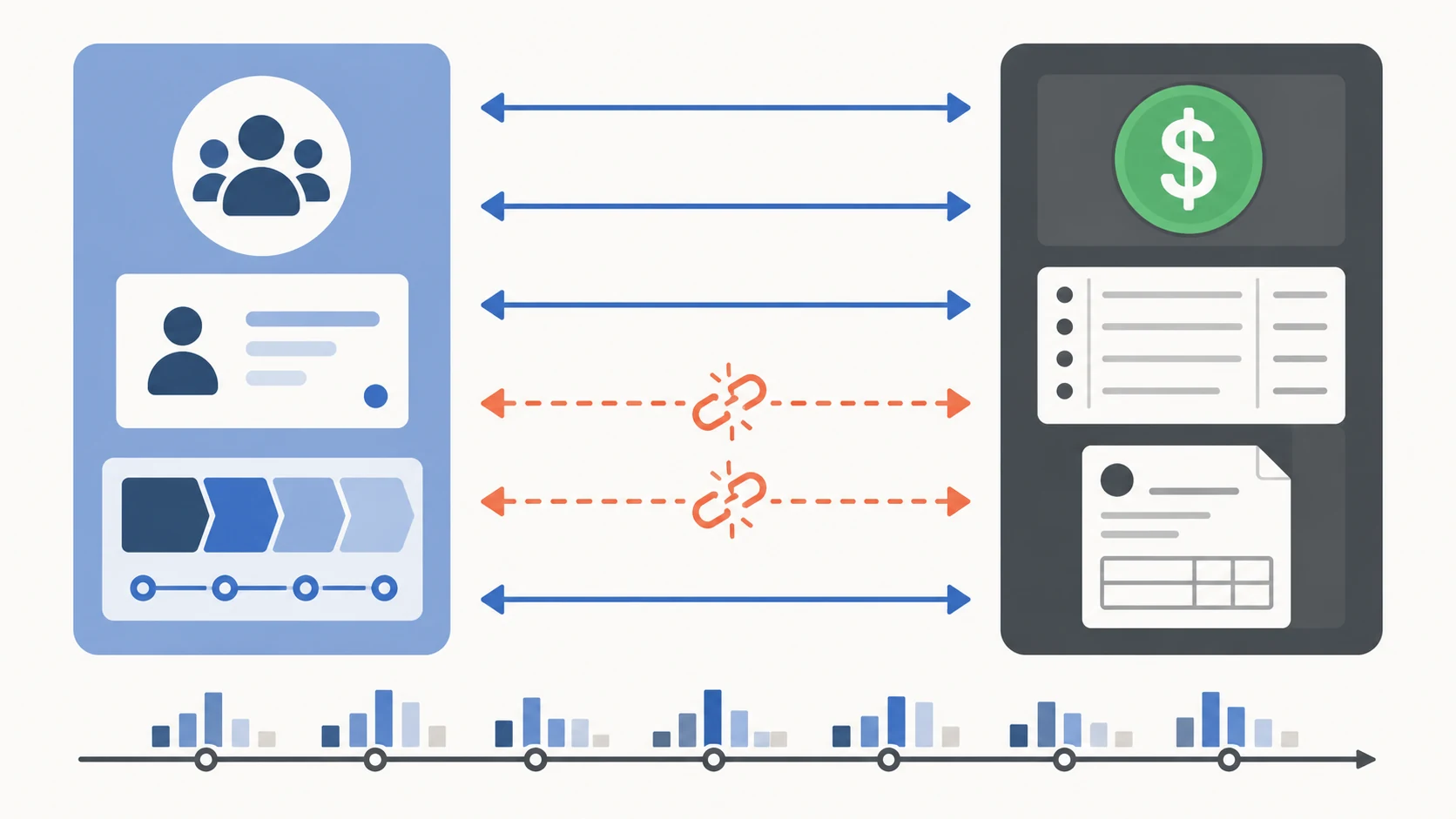
If you run a 10 to 50 employee business, you almost certainly have a CRM and a QuickBooks setup, and there is a good chance they do not actually talk to each other. The native integration the vendor promised in the demo is technically there. It just does not do what you actually need.
Why this happens
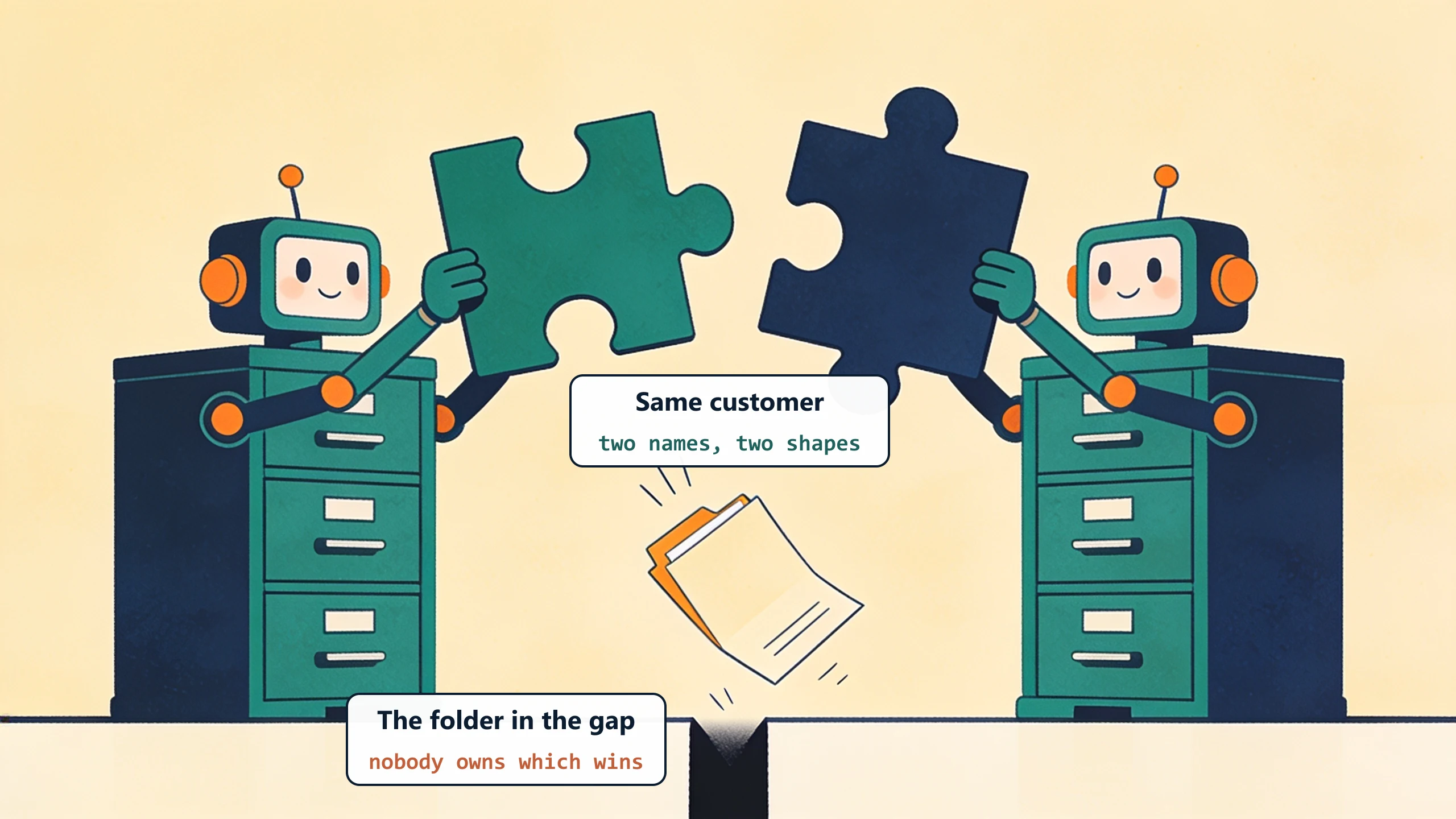
Before we write a line of integration code, we walk the path a closed deal takes into QuickBooks one field at a time, usually with whoever owns billing. The break is rarely a missing connector. It is a data-shape and ownership mismatch: the same field named two ways in two systems, with nobody clear on which one wins.
CRMs and QuickBooks are built for different jobs. Your CRM tracks deals, contacts, activities, and the sales pipeline. QuickBooks tracks invoices, expenses, payments, and the books. There is one place where the two overlap: the moment a deal closes and becomes a customer who needs to be billed.
Native integrations between popular CRMs (HubSpot, Salesforce, Pipedrive, Zoho, Insightly) and QuickBooks (Online or Desktop) do exist. They handle the simple cases: customer name, address, basic contact info. They struggle with the cases that actually matter to your business:
- Custom fields (your industry-specific data, like a job number, project code, or service tier).
- Pricing logic that depends on customer history or contract terms.
- Multi-line invoices generated from deal-stage data.
- Payment status flowing back to the CRM so sales knows when to start the next conversation.
- Subsidiary or class-based accounting splits.
The native integration was built for the vanilla case. Your business is not vanilla.

The four common fixes, ranked by impact
Four fixes are available, and they differ less in price than in who is left holding the integration when it breaks.
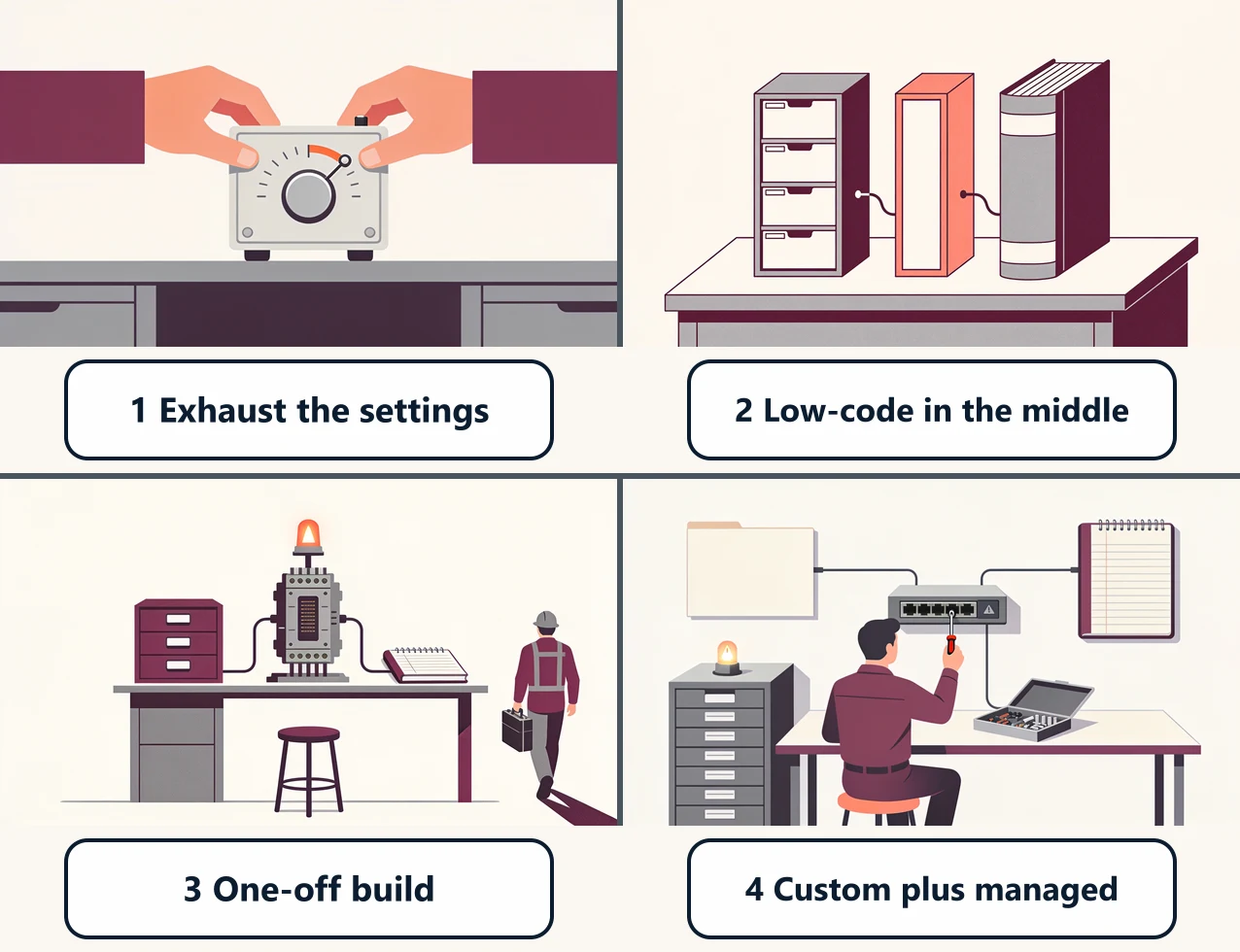
1. Exhaust the native integration's settings
If you have not already exhausted the native integration's settings, do that first. Most native CRM-to-QuickBooks integrations have under-documented field mapping options. Find them. Map your custom fields. Set up trigger rules.
This works about 30 percent of the time. It is free if you already pay for both products. The test: if after an afternoon of configuration the integration still does not handle your common case, move to option 2.
2. Insert a low-code platform in the middle
Tools like Zapier, Make, and n8n can connect CRMs and QuickBooks with more granular control than the native integration. You can capture a CRM event, transform the data, and push it to QuickBooks with custom logic.
This works for moderately-complex cases. It costs $50 to $200 per month for the platform plus 5 to 15 hours of someone's time to build and maintain. The risk is the maintenance cliff covered in our DIY automation alternatives post: when an API changes or a new edge case shows up, you are debugging a 14-step zap with no documentation.
3. Hire a one-off integration build
A consultant or agency builds a custom integration that handles your specific cases, hosts it for you, and walks away when it is done. Cost: $5,000 to $20,000 for the project, plus an ongoing maintenance question that often goes unanswered.
Works well if your integration needs are stable and you can absorb the maintenance risk yourself. Most SMEs cannot.
4. Custom-plus-managed integration
This is the model ByteQuix uses. Someone builds the integration around your specific cases, runs it on their infrastructure, and includes maintenance, refinements, and small changes for a flat monthly fee. The build window is 1 to 3 weeks, starting with a one-time pilot fee.
Works well when your integration is genuinely custom (touches custom fields, pricing logic, multi-line invoices, or status-back-to-CRM flows) AND you do not want to maintain it yourself. And when the CRM itself is the misfit, not just the connection, the same model builds a custom CRM system around how you actually sell. Read the mold-shop quoting tool case for a real example.
How to decide
Three questions:
- Have you actually configured the native integration past the wizard? Most teams have not. Do this first. It is free.
- Is your integration logic stable? If your business rules change quarterly, low-code is the trap. Custom-plus-managed handles drift better.
- Who is on the hook when it breaks? If the answer is "us, on a Sunday," you are paying a hidden cost. Custom-plus-managed eliminates that cost by contract.
What to do this week
Open your CRM. Look at the QuickBooks integration settings. Is there a field-mapping screen you have never opened? If yes, start there. If you have been there and the integration still does not work, the gap is real and one of the other three options will close it. Walk us through your specific situation on a free 30-minute discovery call. We will tell you whether option 4 makes sense for your business or whether one of the other three is the better fit.
No pitch, no pressure. We diagnose, you decide.
Have a question? We reply by email, no call needed.