

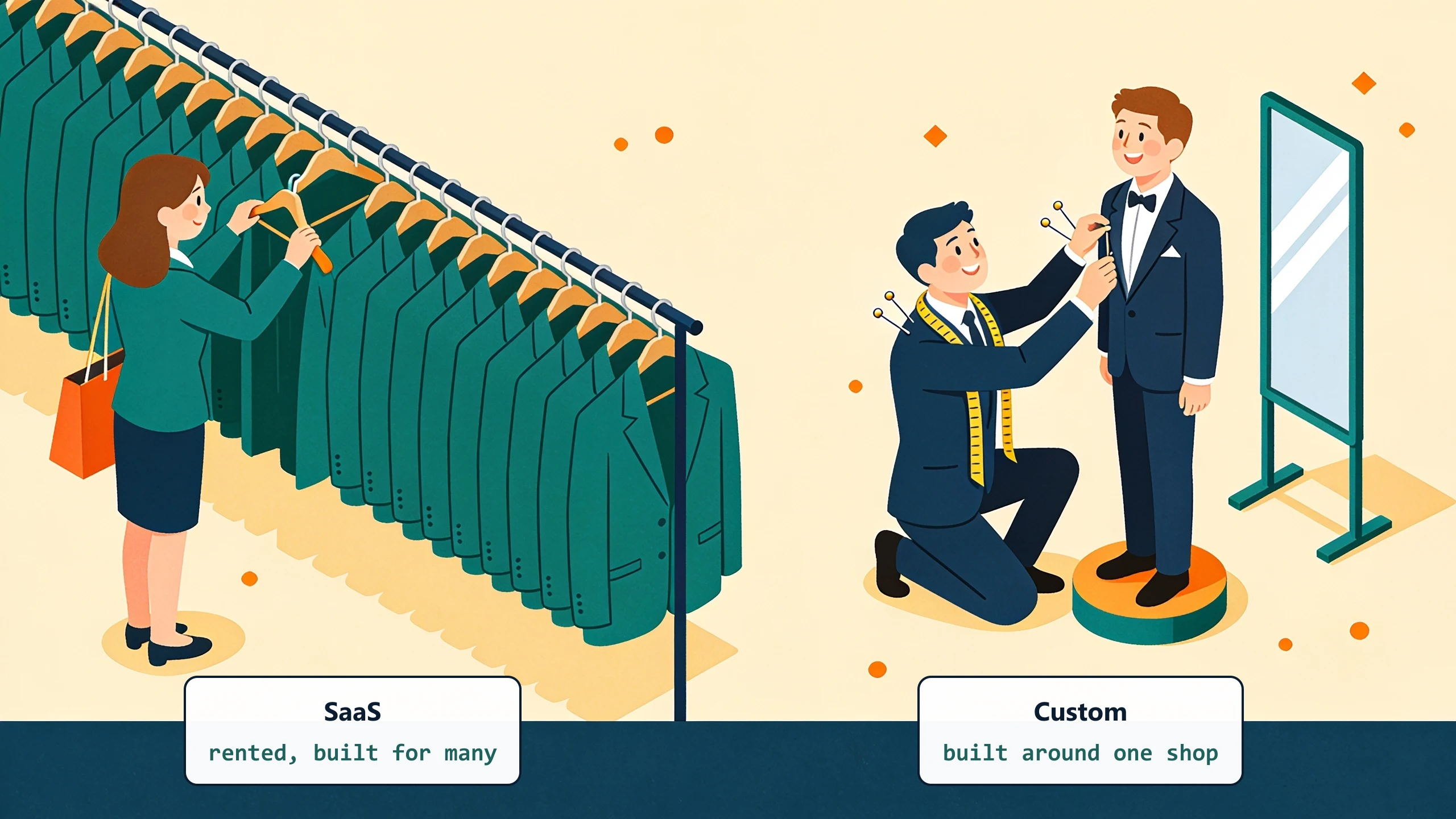
SaaS is software somebody else built, that many businesses use, where the vendor controls how it works. Custom software is software built specifically for your business, where you control how it works. That is the entire difference at the level that matters. Everything else (subscription pricing, hosting model, login pages) is implementation detail that distracts from the real decision.
The plain definitions
Most marketing copy makes this harder than it needs to be. Strip it down to two facts.
SaaS
You rent access to software the vendor built for many customers. The vendor decides what features exist, how the workflow runs, when updates happen, and what data structure is allowed. You configure within the limits the vendor allows. Examples: QuickBooks Online, Salesforce, ServiceTitan, Procore, Zapier, HubSpot.
Custom software
Software built for one business. The workflow logic is encoded around how that business actually runs, not around the vendor's product roadmap. Custom can be built once and handed over (project-based) or built and maintained as a service (custom-plus-managed). Examples in the SMB space: a quoting tool that handles your specific pricing logic, a dispatch board that matches your specific scheduling rules, a billing engine that handles your specific contract structures. Nothing we hand a client is configured from a template; the bulk of what one of these tools does is the handful of rules a team already carries in their head, shaped to the shop rather than chosen off a menu.
Why most SMBs default to SaaS first
The default is correct for most workflows. SaaS is faster to start, cheaper to try, and good enough for tasks where every business in your category does the same thing. Email, accounting, payroll, video calls, document storage, basic CRM. Pay $50 to $300 per user per month, get a tool that does the job, move on.
The default starts to fail when your workflow is the thing that makes the business work. Pricing logic, customer-specific terms, contract billing rules - these are usually where small businesses do something different from the off-the-shelf model. SaaS forces you to either bend your business to fit the tool, or work around it with spreadsheets and human bridges.
The four signals it is time to consider custom
For a specific workflow, not for the whole business. Custom software is not a wholesale replacement; it is a targeted intervention.
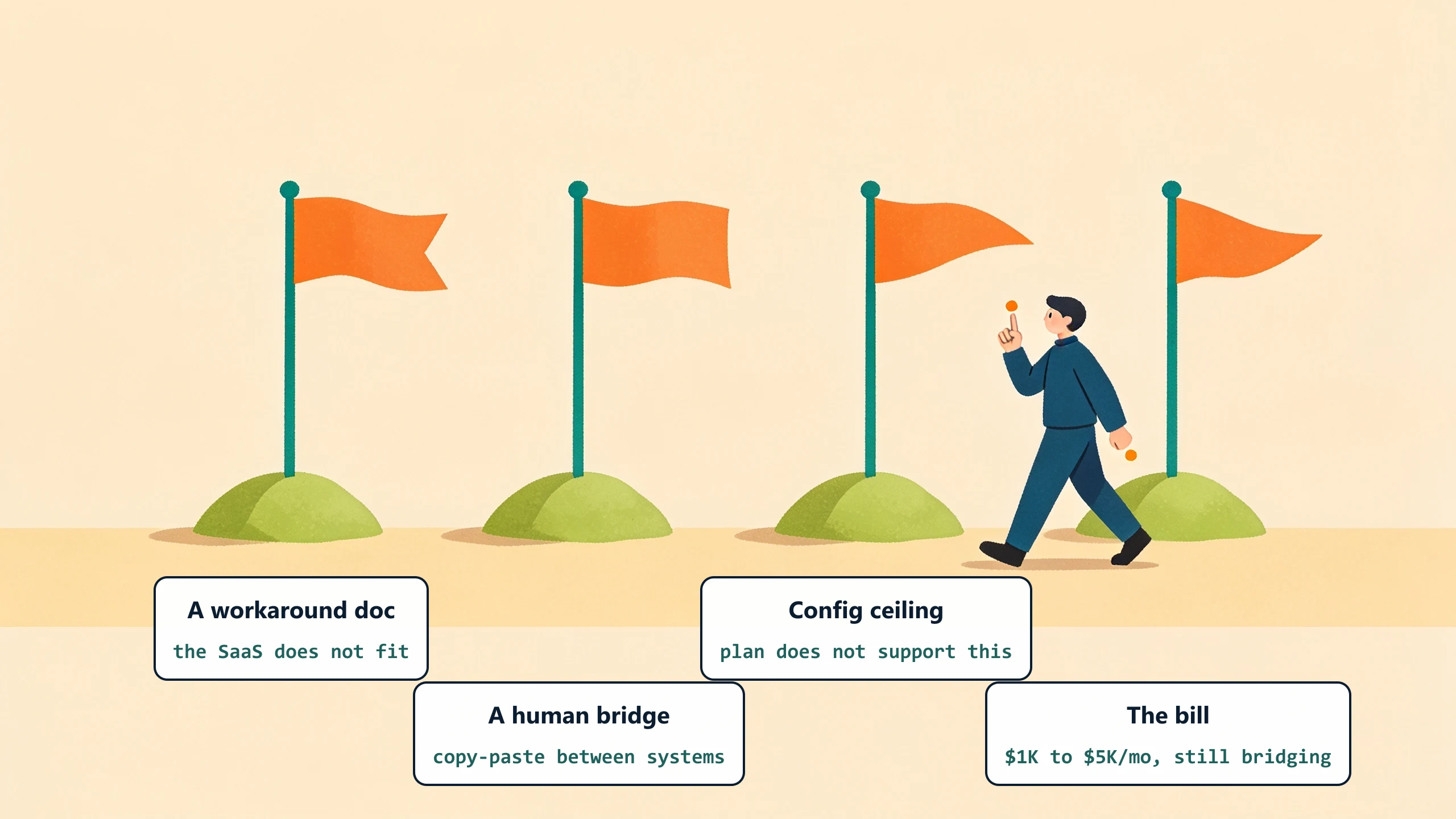
You have a workaround document
Two pages of "how to use the SaaS the way our shop actually works." Translation: the SaaS does not natively support how you operate. Every new hire reads the workaround. The workaround exists because the workflow does not.
A person sits between two systems
Somebody copies data from System A to System B every week. The salary cost of that bridging is almost always larger than the SaaS cost. Quoting in a CRM and re-typing into QuickBooks. Capturing time in a project tool and re-entering it for payroll. Every "and then somebody copies it over" step is a candidate.
Configuration limits are blocking real work
You hit a "your plan does not support this" or "this field cannot be customized" message twice a month. The vendor sells you a higher tier. The higher tier still does not quite fit. The signal is the configuration ceiling, not the price.
Your SaaS bill is high enough that custom pencils
If you are spending $1,000 to $5,000 per month on SaaS for a workflow that still has a person in the bridge role, custom typically pencils. Custom-plus-managed runs a flat monthly fee. Project-based custom runs $25,000 to $75,000 upfront with maintenance after.
What custom does not solve
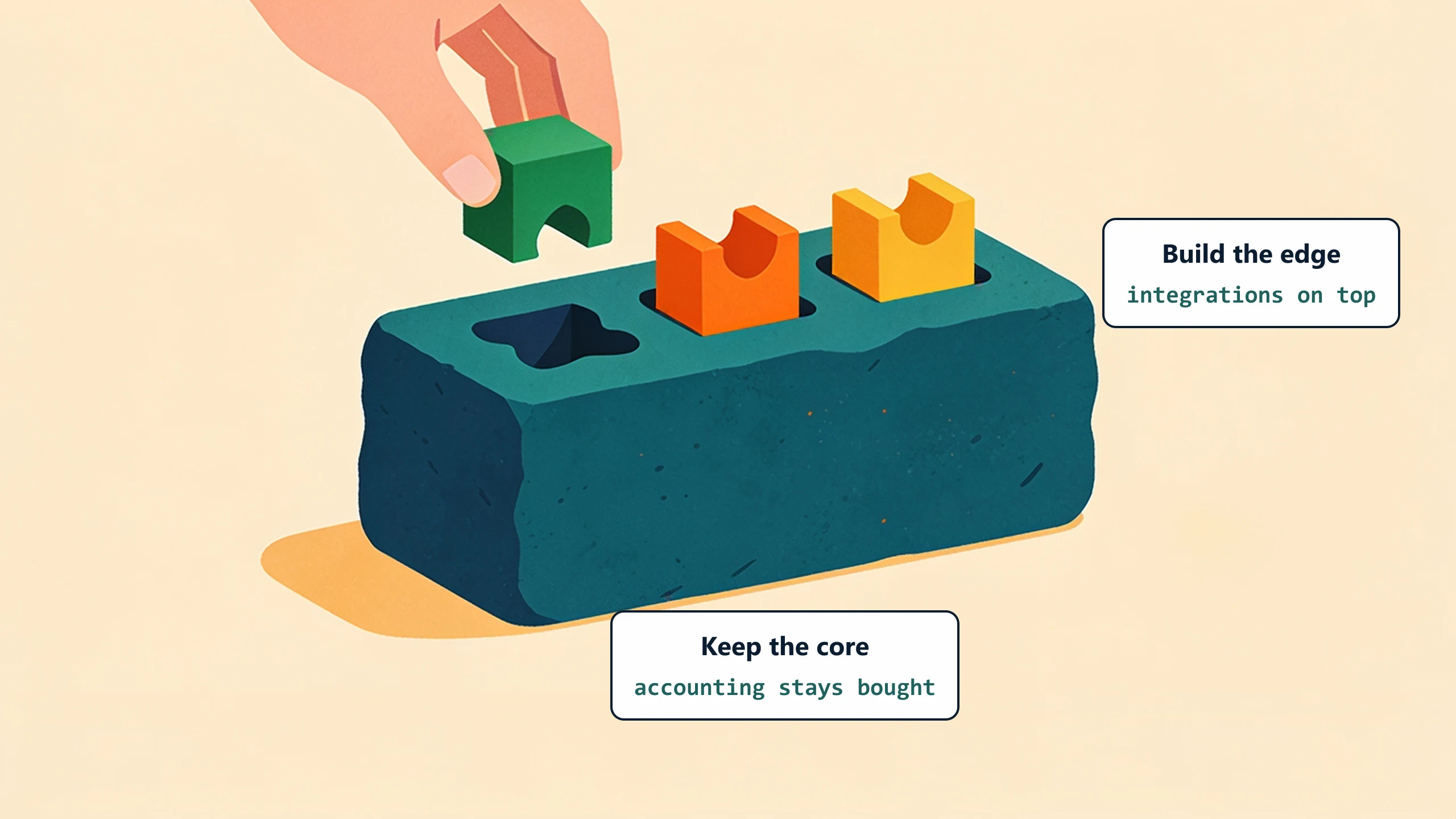
Replacing accounting software is rarely a custom-software call. QuickBooks and Sage are mature, the workflow is standard across businesses, and the regulatory complexity (tax, audit) means buying a maintained tool is the right call. Custom integrations on top of QuickBooks are a different question - those are exactly where custom shines for SMBs.
What to do next
Pick one specific workflow. Score it against the four signals. If two or more are present, custom is worth scoping. The full SaaS-replacement decision guide walks through the math. Or book a 30-minute discovery call and we will tell you in plain numbers whether custom pencils.
No pitch, no pressure. We diagnose, you decide.
Have a question? We reply by email, no call needed.