

One of the distributors we build for counted their fast movers every Friday, and the count was wrong by Monday. Not because anyone was careless. Their sheet had one column for quantity, so a receipt, a pick, a return and a correction all landed in the same cell, and by the time the number was wrong there was nothing to trace back. The fix was not better discipline. It was a second sheet.
Most inventory templates you can download are a single flat list. That works until two people touch it in the same week. Here is the shape that survives contact with a real stockroom, the fields each part needs, and the point where a workbook stops being the right container.
Why the count drifts
A count goes wrong in four ways, and only one of them is carelessness. Stock arrives and gets shelved before anyone records it. Somebody pulls two units for a job and means to write it down later. A customer returns one and it goes back on the shelf as if it never left. Or a number gets corrected directly, overwriting the only evidence of what it used to be.
Notice what those four have in common. Each is a movement that happened in the building and did not happen on the sheet. A template that stores only a running total cannot survive them, because a total records the answer and throws away the working.
An inventory management system template you can copy
Three linked sheets in one workbook. The linking is the part people skip, and it is the part that makes the rest work.
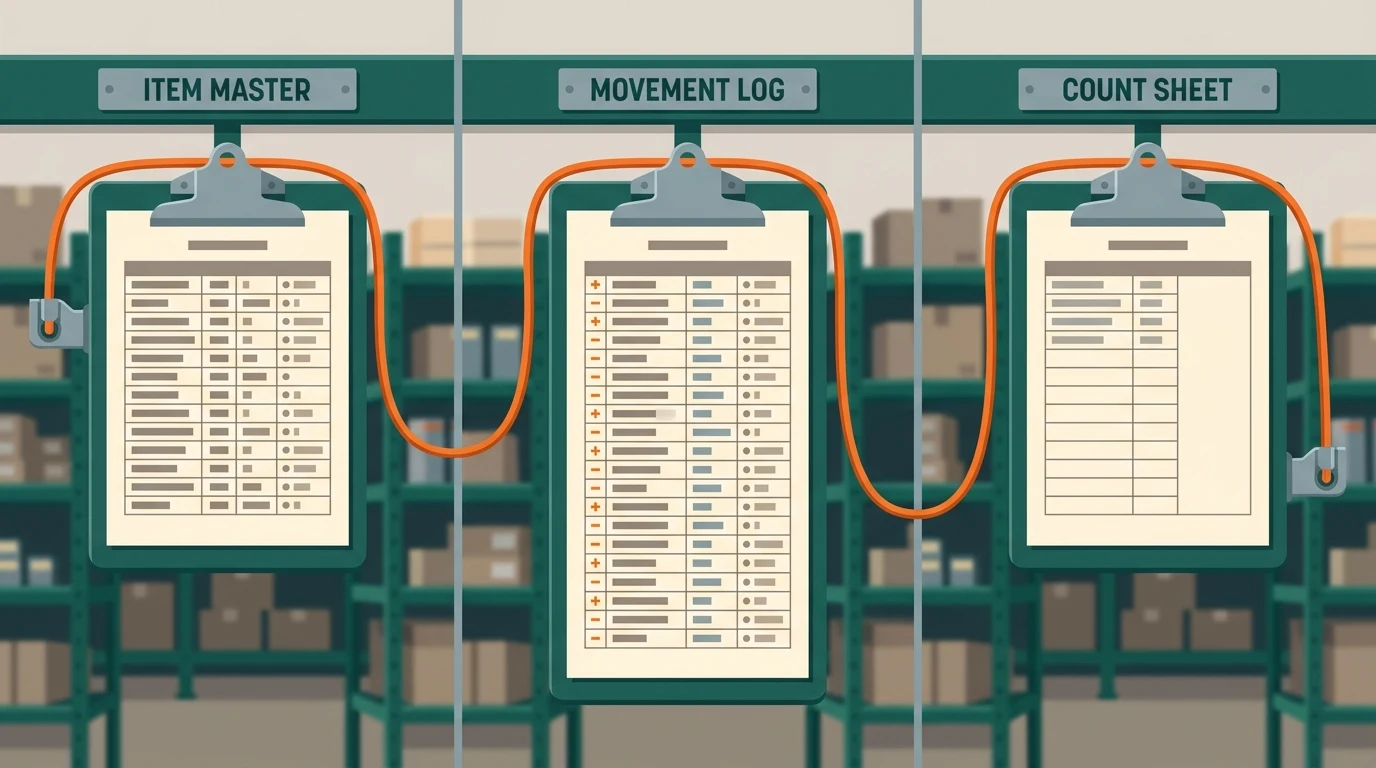
Sheet 1: the item master
One row per item, and nothing that changes day to day. Item code, which is the key every other sheet points at. Description, specific enough that two people would pick the same thing off the shelf. Unit of measure, and be honest here: if you buy in boxes and issue in each, you need both plus the conversion. Location down to the bay. Reorder point and reorder quantity. Standard cost. Preferred supplier and their lead time in days.
What does not belong on this sheet is the quantity on hand. That is the single most common mistake in a downloaded template, and it is why the count drifts. On hand is not an attribute of an item. It is the result of every movement, and it belongs where those live.
Sheet 2: the movement log
One row per event, append only, never edited. Date and time. Item code. Movement type: received, issued, returned, adjusted, transferred. Quantity, signed, so an issue is negative and a receipt is positive. A reference, meaning the PO number, job number, or invoice the movement belongs to. Who recorded it. A short reason, required only on adjustments.
Append only is the whole discipline. When somebody finds a bad number, the log tells you which movement was wrong and who to ask. Overwrite that history and the same error will happen again next quarter with nothing to learn from.
Sheet 3: the count sheet
This is the one you print and carry to the shelf. Item code, description, location, a blank column for the counted quantity, and a blank for the counter's initials. Leave the system quantity off the printed sheet entirely. If the counter can see the expected number, the count becomes a confirmation, and a confirmation finds nothing.
A filled example
An electrical distributor stocks a common connector, item code CN-0440, in bay B-12, bought in boxes of 50 and issued individually. Monday: received 4 boxes on PO 8871, so the log gets one row, plus 200, reference PO 8871. Tuesday and Wednesday: three issues to job 2214 totalling 65, entered as three separate rows, not one summary row, because they happened at three different moments. Thursday: 5 come back from the same job, plus 5, reference job 2214.
The sheet says 140 on hand. Friday's count says 137. That gap is worth something now: three units, in one bay, in one week, on a part with a known movement history. Somebody can walk back through four log rows and find it. Under a single-column template the same gap is just a wrong number, and the only available response is to type 137 over the top and hope.
The one formula worth adding
On hand is not the number that matters. Available is. On hand is every movement summed. Available is on hand minus whatever is already promised to open orders and jobs.
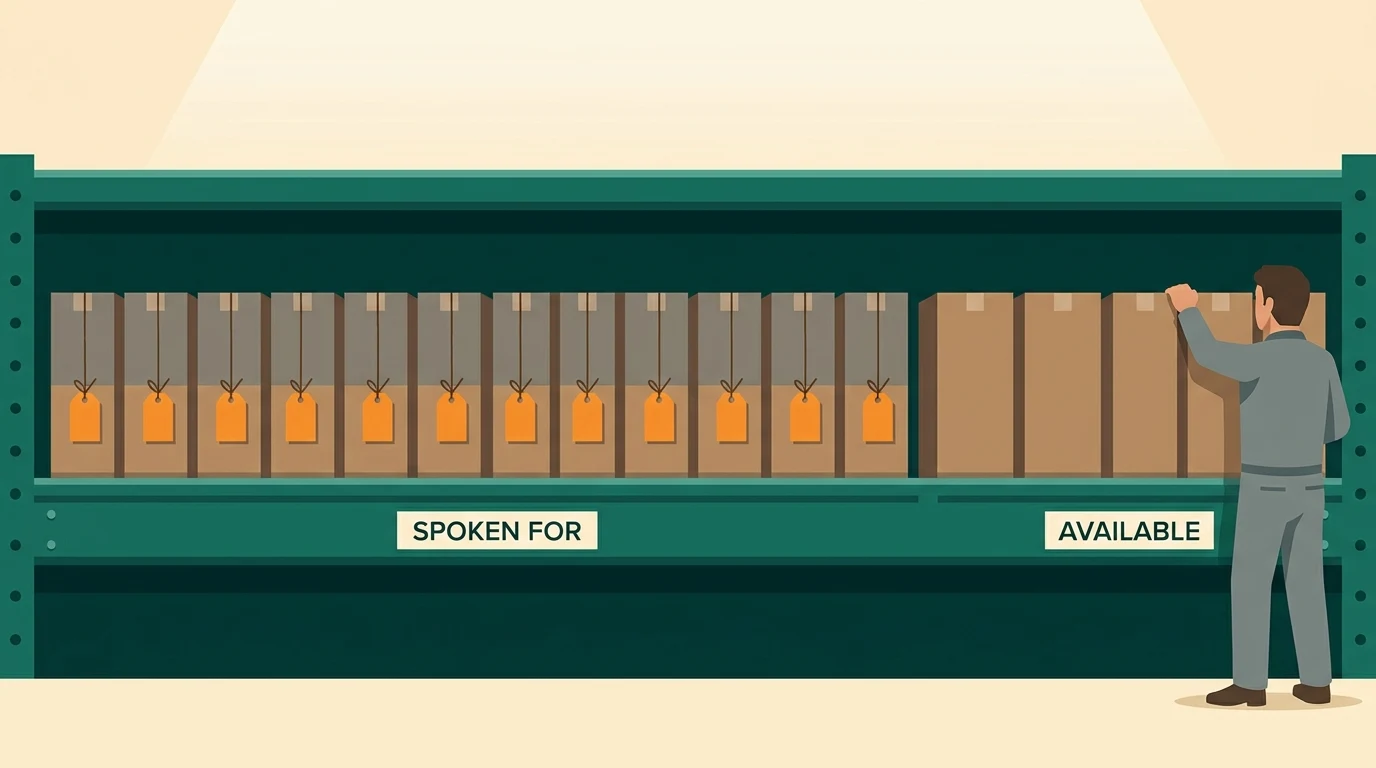
Add one more column to the item master that sums committed quantities from your open orders, and one more that subtracts it. A shelf holding 140 with 120 already spoken for has 20 available, and quoting from the 140 is how you sell the same stock twice. Our post on what inventory management software actually does covers why platforms treat this as a first-class feature rather than a formula.
Where the template stops
A workbook is genuinely the right answer for a while. It stops being the right answer at three specific points, and they are recognizable rather than gradual.
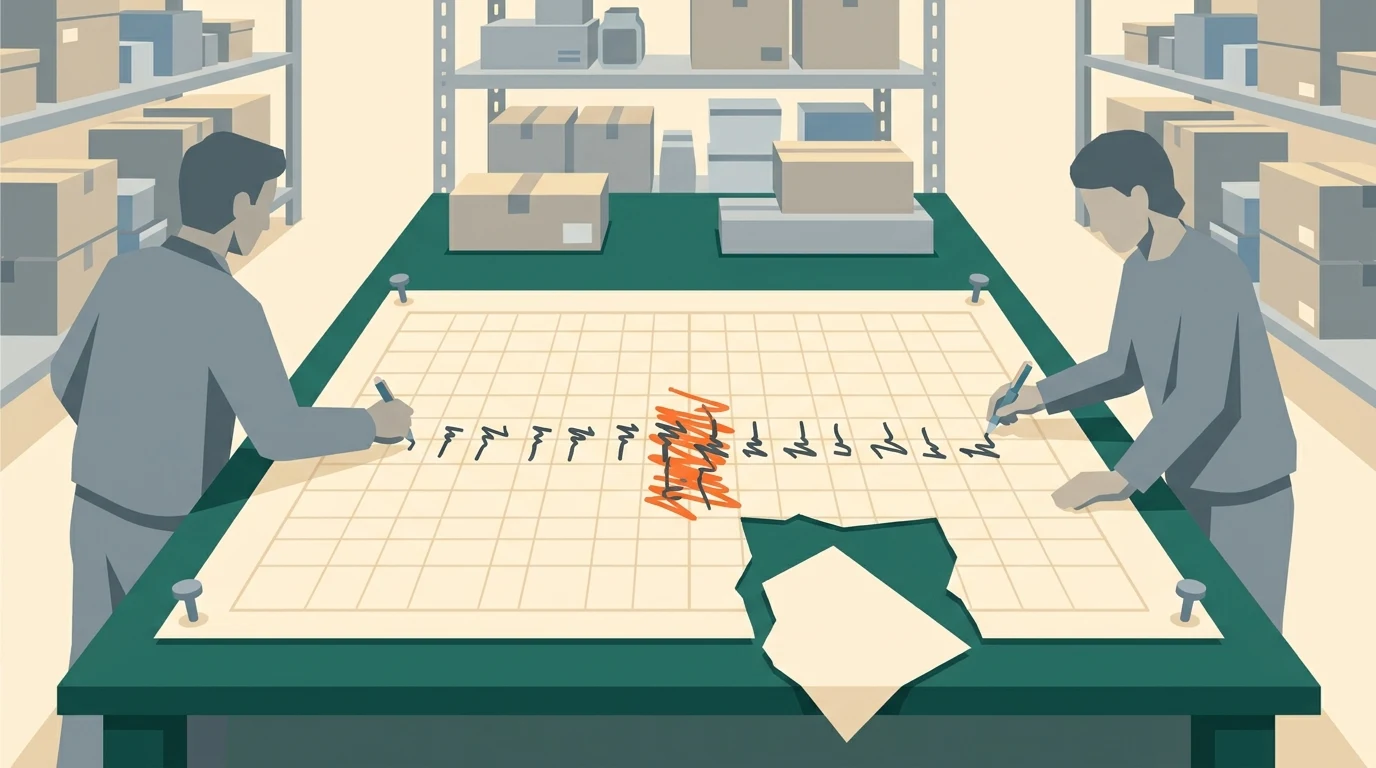
The first is concurrency. The moment two people need to record movements at the same time from different places, a shared file starts losing rows, and the losses are silent. The second is enforcement. A spreadsheet cannot refuse a movement that would take stock negative, so it will happily record the impossible and let you find out at picking. The third is volume: past a few hundred active items with daily movement, the log outgrows what anyone will scroll through, and people stop appending to it.
Hitting any of those is not a failure of the template. It is the template having done its job, which was to tell you exactly what shape a real system has to be. If you are at that point, our inventory page covers what building around your own counting looks like, and the multi-channel order intake example shows the same three-part structure running as a real tool. If you are earlier than that, the workbook you already have may hold longer than you think: the real ceiling on inventory in Excel is about people, not rows.
What to do this week
Take your current sheet and split it in two. Move everything that changes day to day out of the item list and into a dated log with a type column, even if you start the log empty from today. That one change costs an afternoon and makes the next wrong number diagnosable instead of just wrong.
Then do one spot count of ten fast movers and compare. If the gaps trace back to movements nobody logged, the template will hold for now. If they trace to two people editing at once, you have outgrown it. Walk us through the result on a free 30-minute discovery call. Sometimes the answer is that the workbook is fine and the habit is the problem, and that one costs nothing to fix.
No pitch, no pressure. We diagnose, you decide.
Have a question? We reply by email, no call needed.