
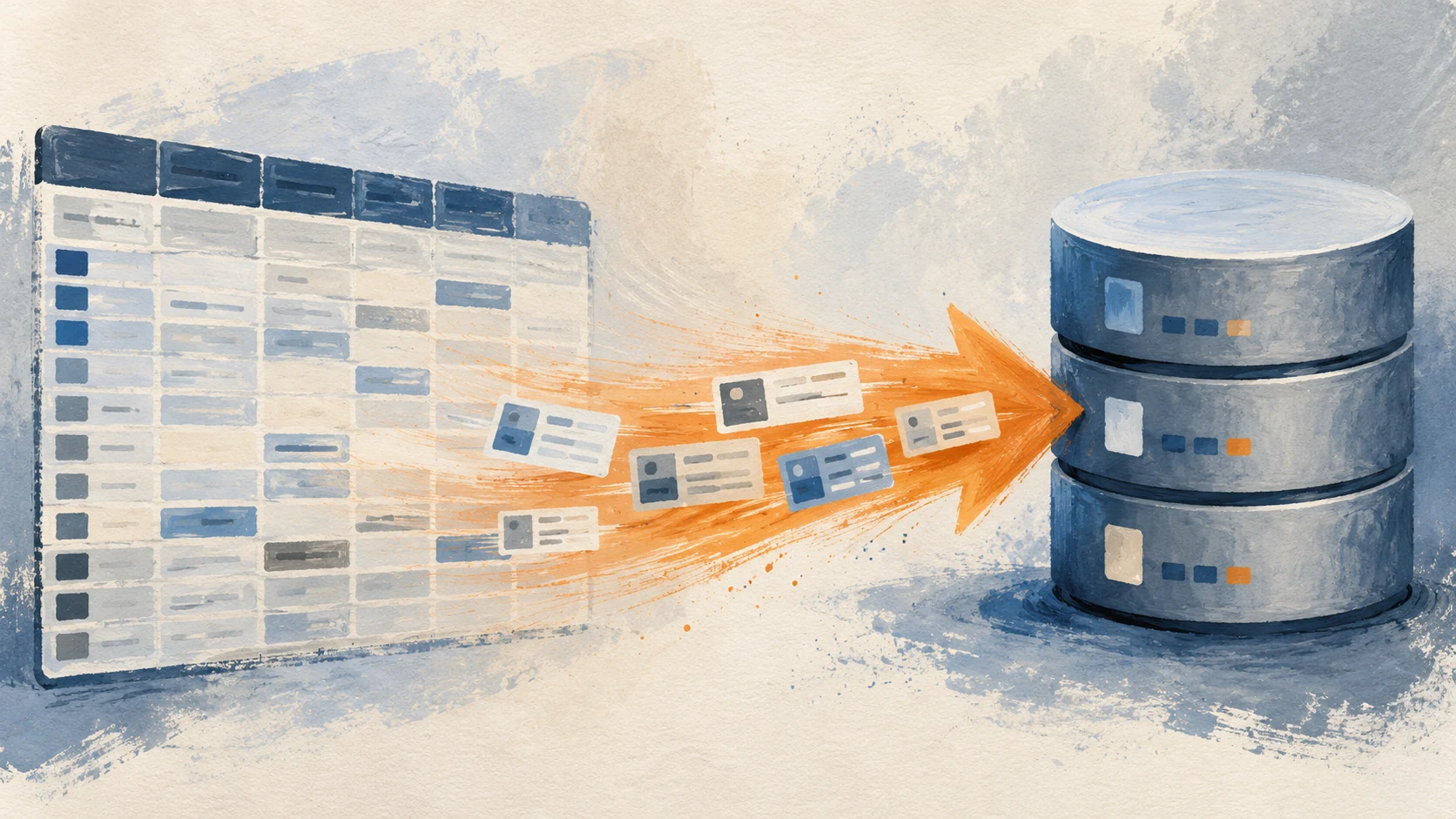
Shared Google Sheets are the most successful SMB infrastructure of the last decade. They also fail in predictable ways once a sheet becomes the system of record for a real workflow: row limits, accidental edits, version conflicts, no real validation, no real history. Migrating from a sheet to a real database is not a software project. It is a workflow project that produces software as the output. Here is how to do it without losing two weeks to a botched cutover.
When the sheet becomes the bottleneck
Shared sheets handle 80 percent of small-business operational data well. The 20 percent where they fail is predictable.
Row count climbs past 5,000
Google Sheets technically holds 10 million cells. Past about 5,000 rows in a working sheet, edits get sluggish, formulas time out, and collaborators complain. The sheet is past its sweet spot.
Three or more people edit it concurrently
Two people in a sheet is fine. Five people in a sheet means accidental overwrites, comments that drift from their referent rows, and conflict resolution disputes. Real-time collaboration sounds like an upside; in operations data it is a liability.
The sheet has more than three "do not touch" cells
If the sheet has yellow-highlighted cells, an "edit me last" tab, or a sticky note on the monitor saying "do not change column G," the data has outgrown the medium. Spreadsheets cannot enforce constraints. Databases can.

What "a real database" actually means
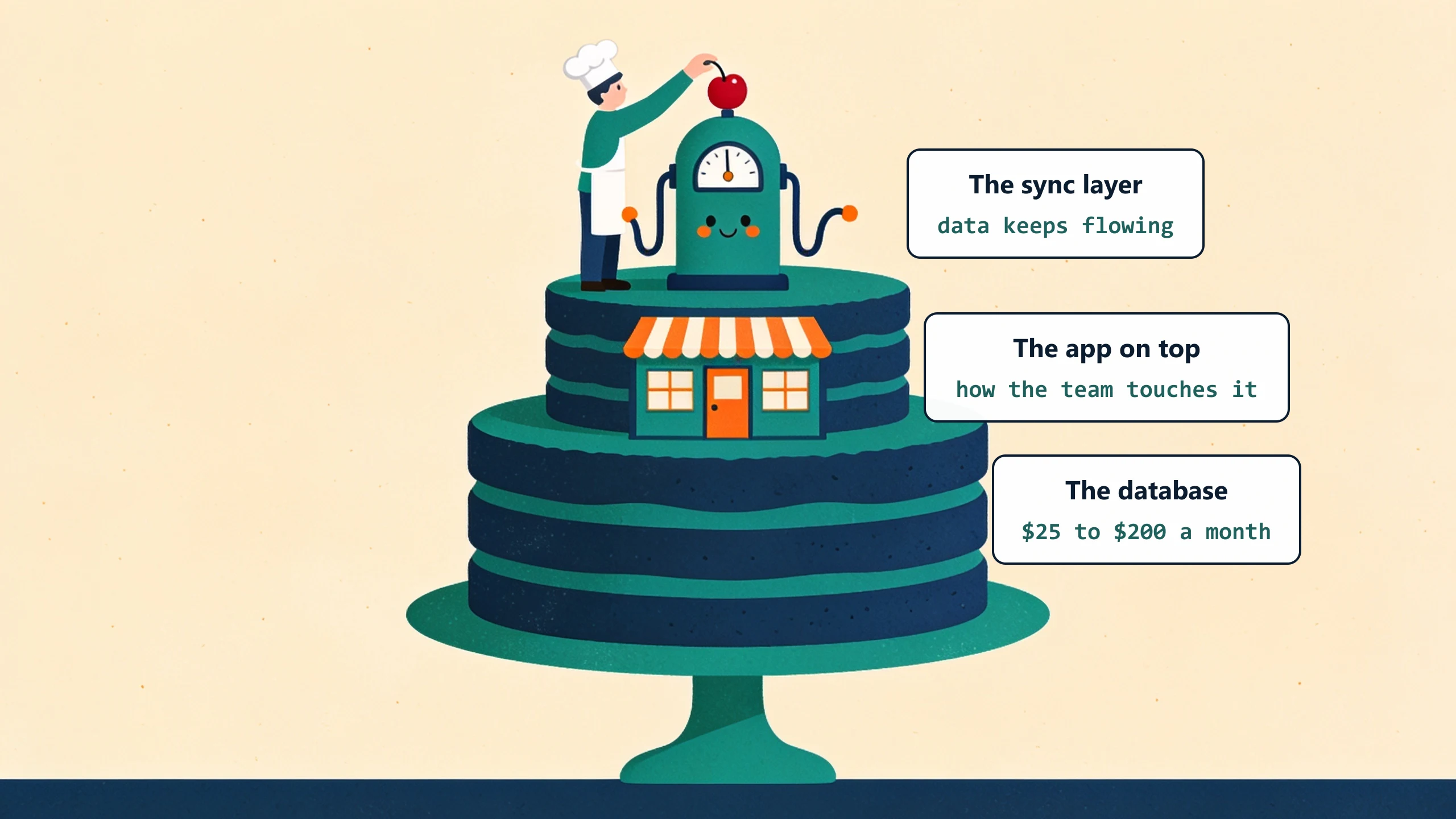
For an SMB, "real database" is shorthand for three things working together. None of them is the database alone.
The database itself
Postgres, MySQL, or SQL Server. Tables with defined schemas, real foreign keys, real validation rules. Hosted somewhere reliable (Supabase, AWS RDS, Azure SQL). Cost: $25 to $200 per month for a small business workload.
A user-facing application
The database itself is invisible to the team. They interact through a web app or mobile app built around the way the team works. The app validates input, enforces business rules, shows history, and produces reports. This is the part most SMBs forget when they think "we need a database."
An import / sync layer
The migration from sheet to database is one-time. Ongoing data flow (from QuickBooks, from a CRM, from a customer-facing form) is forever. The integration layer handles that.
The migration in five practical steps
Order of operations for an SMB doing this with a small partner team.
Step 1: Document what the sheet does
Two pages. Who edits, when, what the columns mean, what the validation rules are (the unwritten ones), what reports get generated from it, what downstream systems consume the output. Most of this is in people's heads. Get it on paper before anything else.
Step 2: Pick the database and the app stack
For most SMBs, Supabase plus a simple web app (built in React, Next.js, or similar) covers the use case. The decision is rarely about the database brand. It is about whether you build it yourself, hire a freelancer, or use a custom-plus-managed partner.
Step 3: Migrate the data with validation
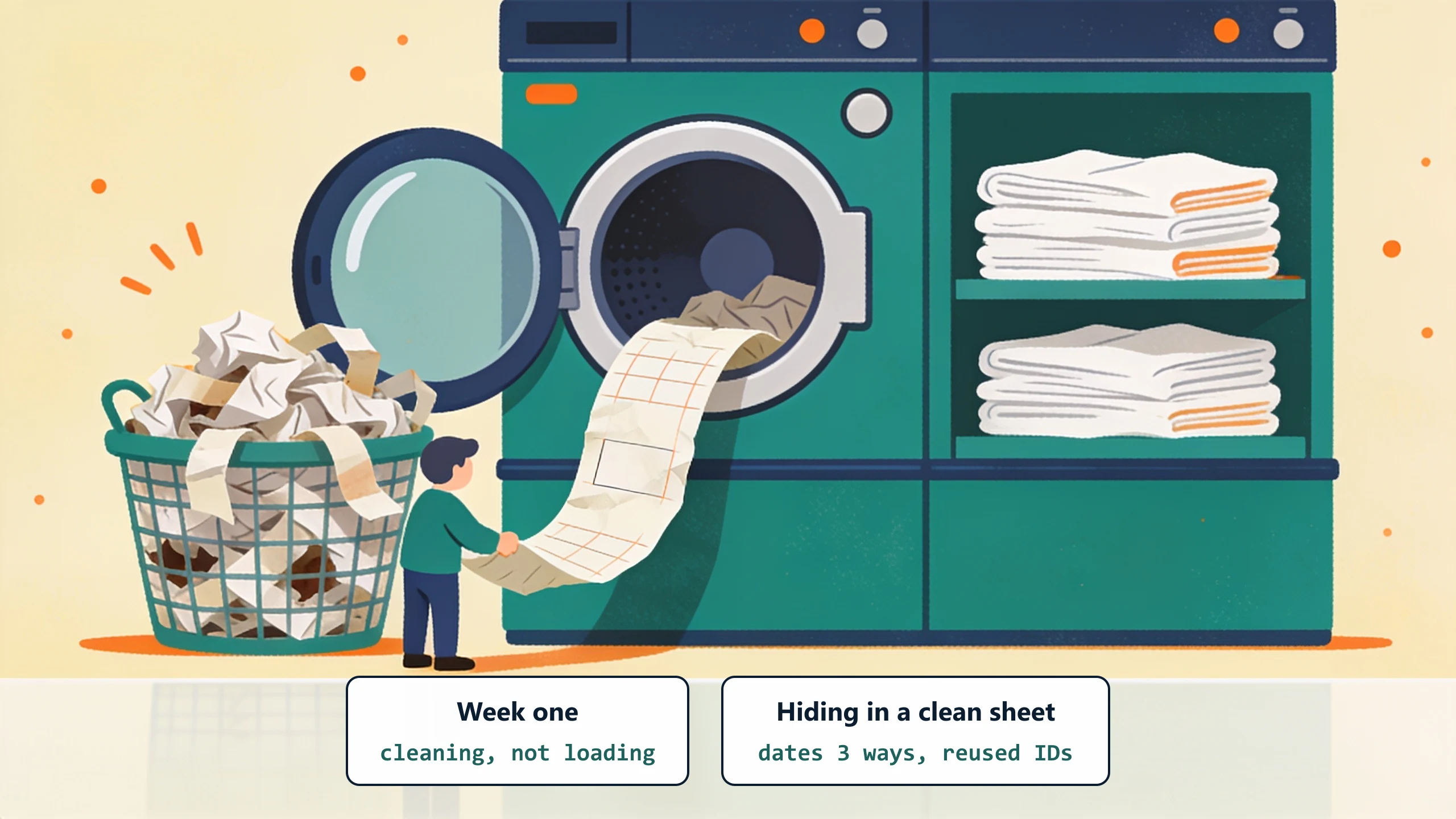
Export the sheet to CSV. Run it through a validation pass that flags missing fields, format errors, duplicate IDs. Fix the data in the sheet first. Then import to the database. This is the step almost everyone underestimates. The first week of a migration, we are not loading data, we are cleaning it: a sheet that looks clean usually hides hundreds of half-broken rows, dates in three formats, IDs reused across two customers, totals that never reconciled. The import itself is quick; finding and fixing all of that is where the week actually goes.
Step 4: Run sheet and database in parallel for two weeks
Both systems live, both authoritative. The team enters new data in both. The owner reconciles weekly. This is annoying. It is also the cheapest way to find the edge cases the documentation missed.
Step 5: Cut over
Mark the sheet read-only. Database becomes the system of record. Keep the sheet around for 6 months as a fallback. Most teams stop looking at it after week 3.
What to do this week
Pick one sheet. Document it (step 1) and email yourself the doc. Reading it back tells you whether the migration is a one-week project or a three-month project. Book a discovery call and we will scope what custom-plus-managed migration looks like for your specific sheet.
No pitch, no pressure. We diagnose, you decide.
Have a question? We reply by email, no call needed.