
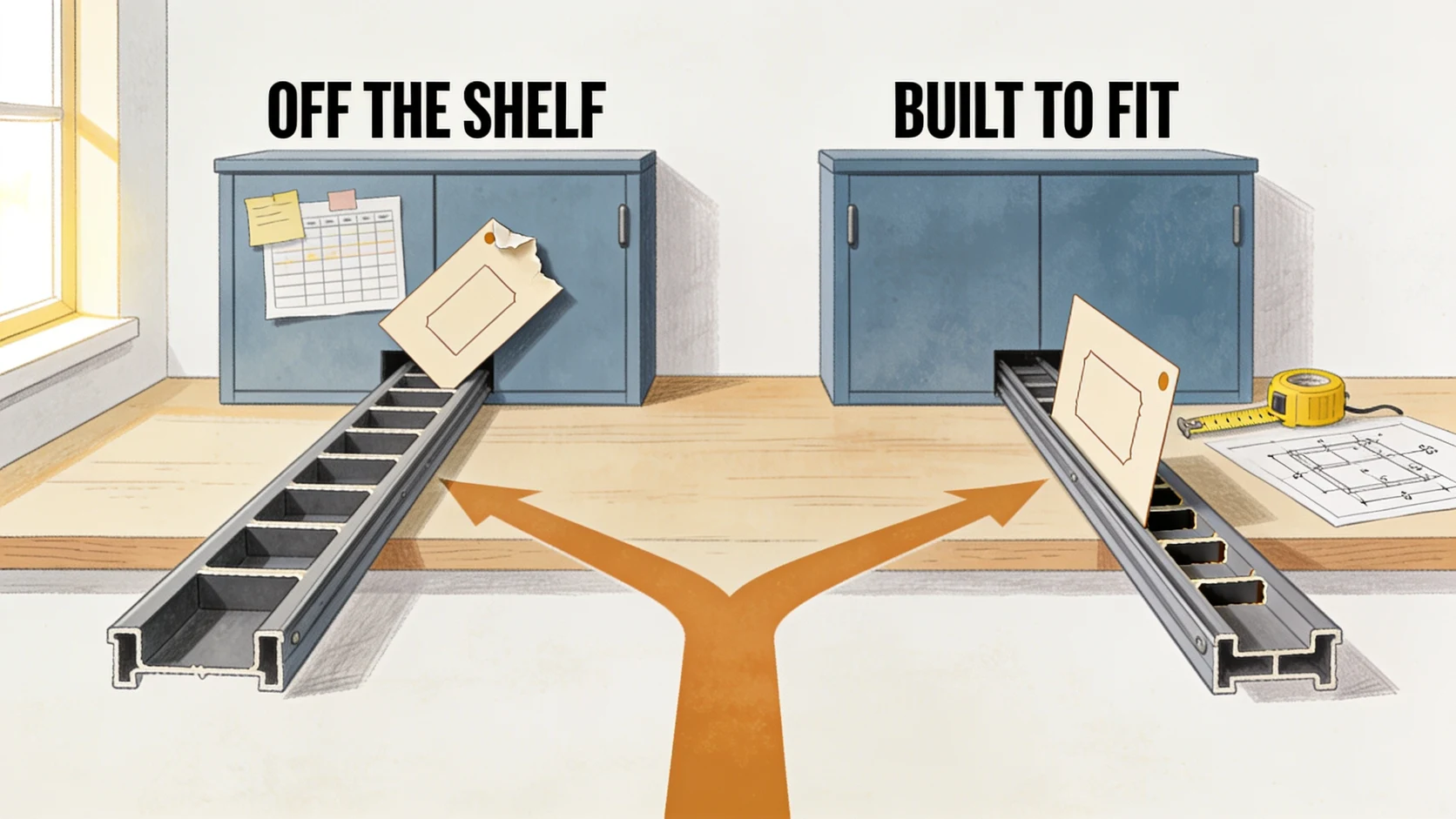
Buy or build is the wrong first question for a CRM. Owners reach for a price comparison, a $50-a-seat product against a custom build, and pick the cheaper line. The real question is fit: does the way you sell match the way the product models a deal? When it does, buy, and do not look back. When it does not, no amount of configuring closes the gap, and the price comparison was measuring the wrong thing all along.
Start with fit, not price
Every off-the-shelf CRM is built around a template pipeline owned by a template sales team. That template is a real asset when your shop matches it: you get a mature product, an app store, and a support line, for the price of a few coffees per user per month. The trouble starts only when your selling and the template disagree, because a CRM cannot be argued with. It models a deal one way, and your team either works that way or works around it.
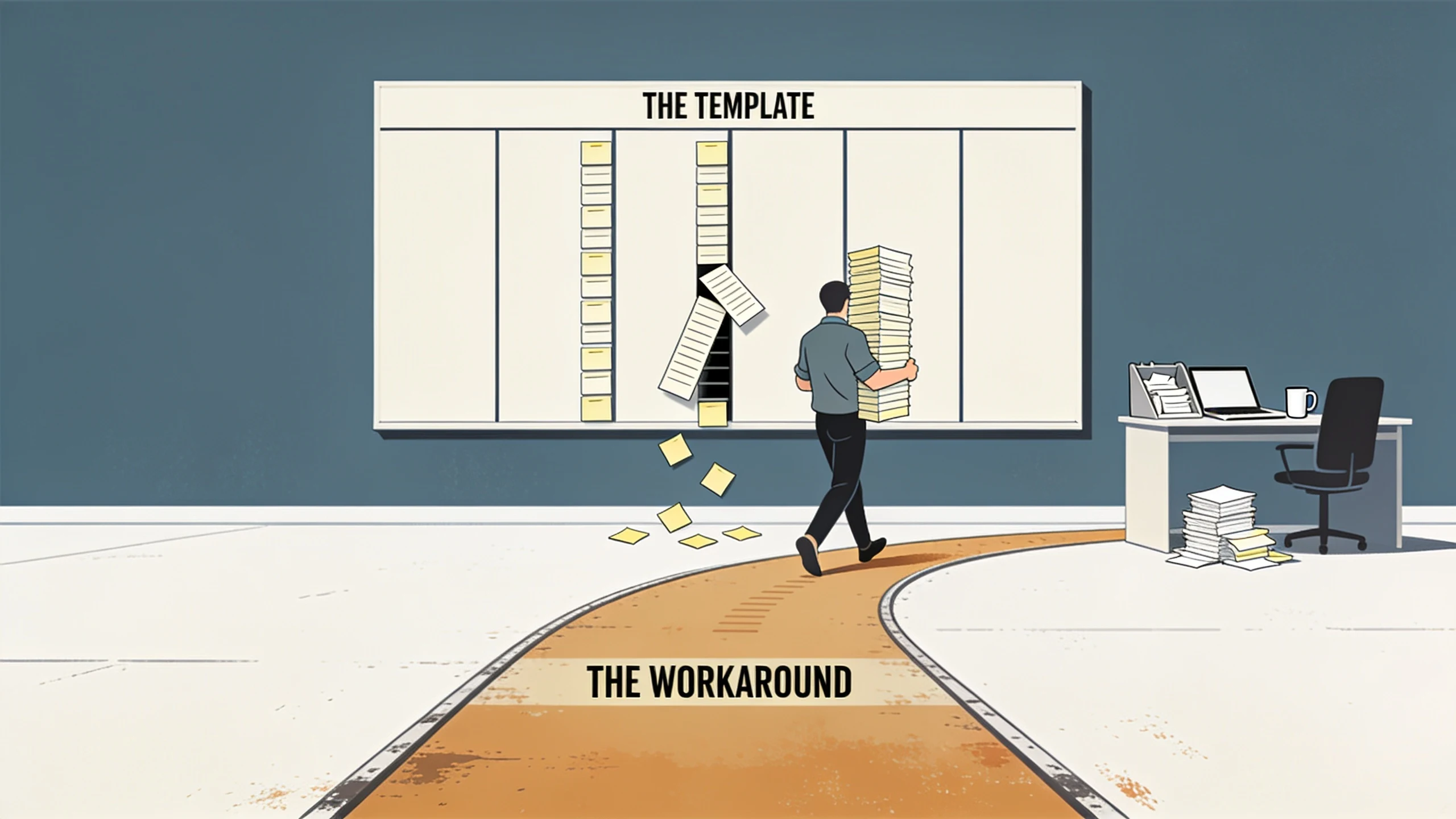
When buying off-the-shelf is the right call
Most small businesses should buy. If your pipeline moves through the stages the product ships with, your fields mean what the product thinks they mean, and your pricing is standard enough to live inside a deal record, an off-the-shelf CRM is the faster, cheaper, safer choice. HubSpot, Salesforce, Pipedrive, and Zoho are excellent products, and each is the right answer for a business whose sales motion already looks like the one they were designed around.
The test for buying: could a new hire learn your pipeline from the CRM alone, with no side document translating what the stages and fields secretly mean? If yes, the template fits you. Buy it, configure it, and spend your money elsewhere.
The four signs you have outgrown the template
By the time an owner calls us about a custom CRM, they have usually already bought two. The tell is never the software itself. It is the sticky note taped to a monitor that translates what the pipeline stages really mean, and the person who retypes every won deal into QuickBooks on Friday afternoons. When we map how a deal actually moves, the same four signs keep surfacing.
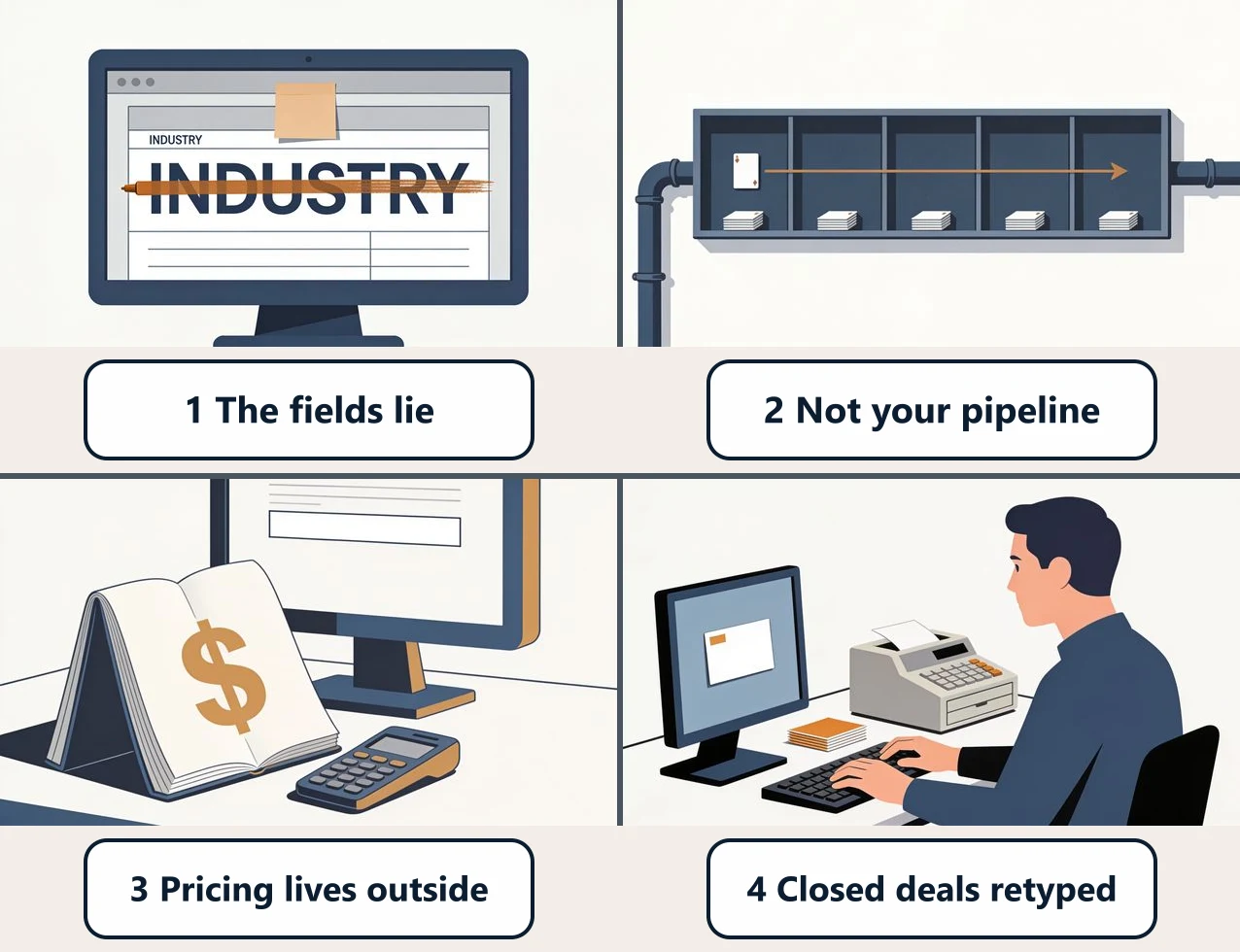
1. The fields lie
"Industry" secretly means referral source. "Deal type" means which crew. The product gave you a field, you needed a different one, and you repurposed it. Every new hire has to learn the code words before the data makes sense, and every report has an asterisk only the veterans know about.
2. The pipeline is not your pipeline
You sell in four steps. The CRM insists on seven, or it offers three and you need six. Reps drag deals through stages that mean nothing so the automation will fire, and the forecast reads like fiction because the stages do not map to real commitments.
3. The pricing lives outside it
Customer-specific terms, volume tiers, and the margin math sit in a workbook next to the CRM, because the CRM cannot hold them. The quote that goes out is assembled by hand from two screens, and the one person who knows the rules is a single point of failure.
4. Closed deals get retyped
Every won deal becomes a customer and an invoice in QuickBooks, typed in by a human because the two systems will not agree on their own. That bridge role is quiet and expensive, and it is usually the number that finally tips the math toward a build. If you want the detail on that specific break, we wrote up why CRMs and QuickBooks rarely sync cleanly.
One or two of these, and you can probably configure your way out. Three or four together, and you are not using a CRM, you are maintaining a workaround layer that has quietly become its own unpaid job.
The third option: custom plus managed
Buy-or-build sounds like two choices. It is really three, and the middle one is where the workaround problem actually gets solved.
- Buy and configure. Right when the template fits. Cheap, fast, mature.
- Build it yourself on a no-code platform. Promising at the demo, then you hit the edge of what the builder allows and become the developer, maintainer, and support desk for your own CRM. Most small teams stall half-built.
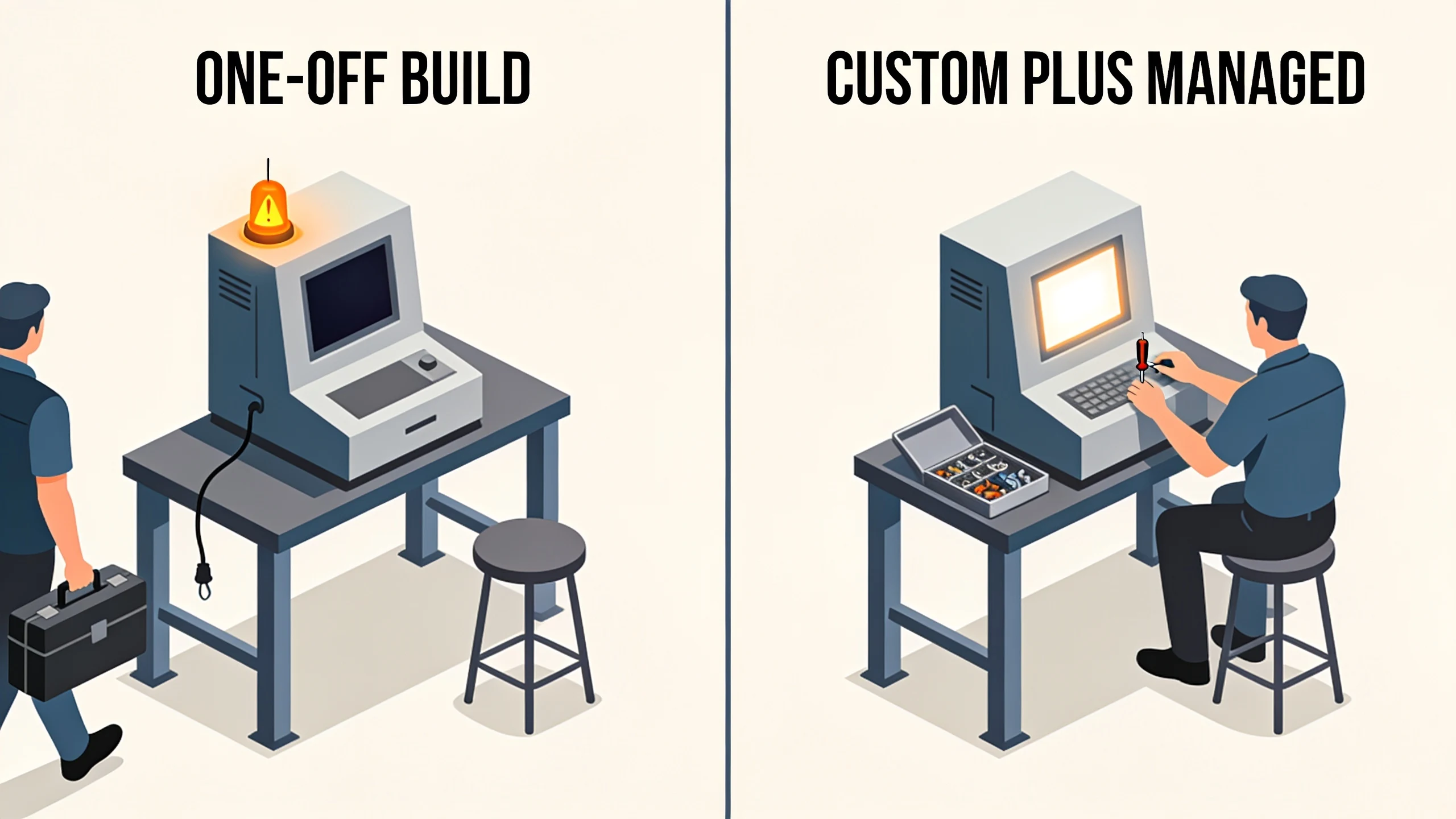
- Commission a one-off build from a dev shop. A CRM shaped to your process, for $25,000 to $75,000 and a three-to-six-month wait, then a handoff. When an integration changes and the tool breaks, the shop that built it has moved on. The maintenance cliff is real.
The third option is custom plus managed: a CRM built around your exact pipeline and then hosted, maintained, and refined for a flat monthly fee, so someone stays on the hook after launch. It joins the sales process you already run instead of asking your team to adopt a new way of working. That is the model behind our custom CRM builds.
A 15-minute test you can run this week
Open your CRM and count two things. First, the fields whose label does not match what your team actually stores in them. Second, the hours per week someone spends carrying data between the CRM and another system, quotes into a spreadsheet, won deals into QuickBooks, reports into a slide. Two or three relabeled fields and an hour of carrying, and configuring what you have is the answer. A screen full of code-word fields and a standing weekly retyping shift, and a build will pencil.
Bring those two numbers to a free 30-minute discovery call and we will tell you which side of the line you are on, including when configuring the CRM you already own is the right move and a build is not.
No pitch, no pressure. We diagnose, you decide.
Have a question? We reply by email, no call needed.