

Field service management software is the category name for the tools that run work happening away from your building: scheduling and dispatch, the technician's day, parts and materials, and getting the job billed. If you run an HVAC, plumbing, electrical, or commercial maintenance shop, you have probably been quoted for one. The category is real and the good products are genuinely good. What follows is what the software actually does, where it stops, and the test for whether a platform fits your shop.
What field service management software does
Five jobs, in the order a work day touches them.
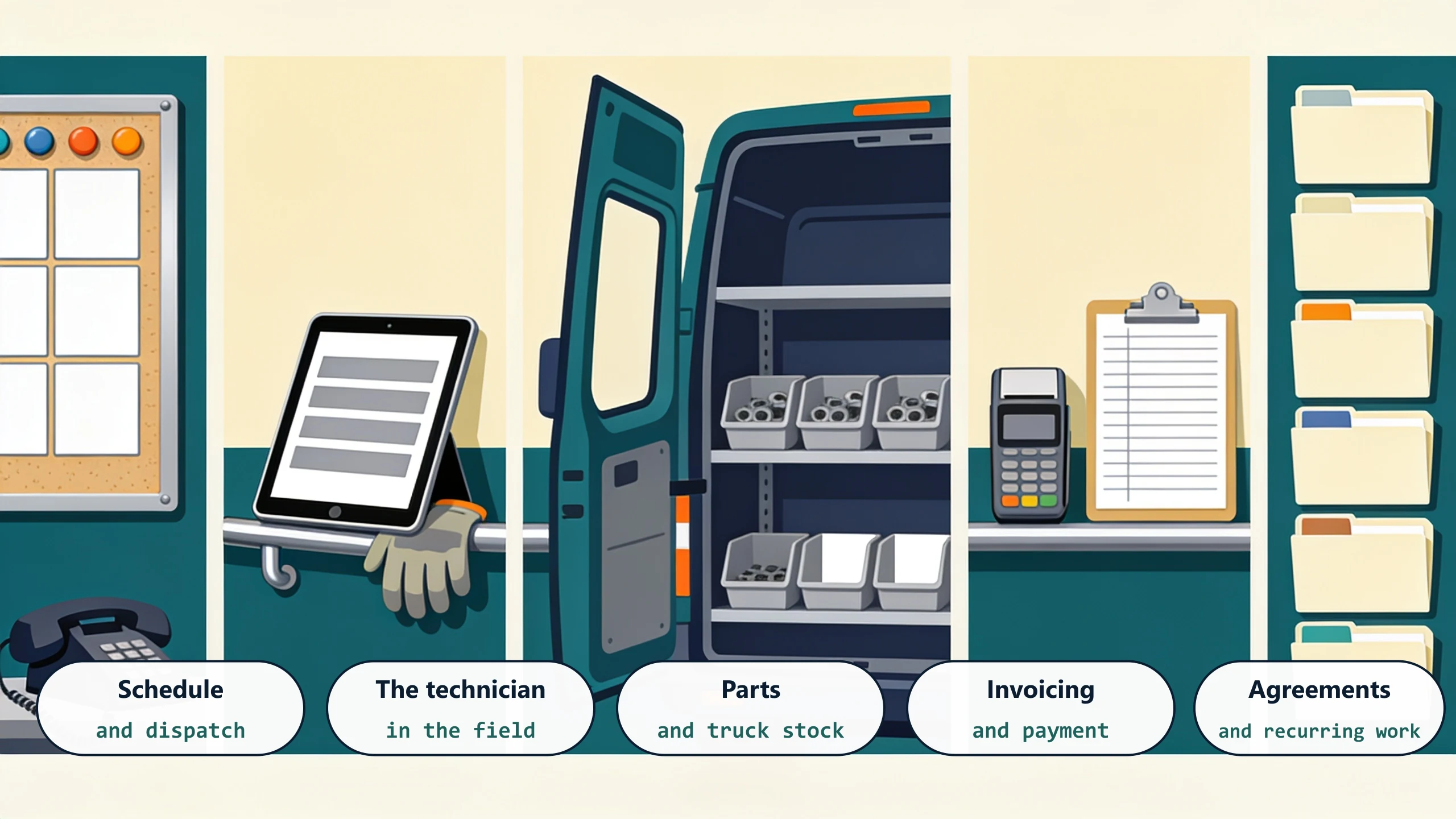
Schedule and dispatch
Deciding who goes where, and changing that when a call comes in at 10am. This is the core, and it is what every product does best. If your board is a whiteboard and a phone, this alone is worth the subscription.
The technician in the field
A phone or tablet showing the day, the site history, and the equipment. Notes, photos, and a signature captured where the work happened instead of on a truck-seat notepad at 6pm.
Parts and truck stock
What went on the job, what came off the truck, and what needs reordering. This is the thinnest part of most platforms, and it is where shops running real inventory feel the first strain.
Invoicing and payment
Turning a completed job into an invoice without anyone retyping it, and taking payment while the technician is still standing there. The single biggest cash-flow lever in the whole category.
Agreements and recurring work
Maintenance contracts, planned visits, renewals. Simple when every agreement looks the same, and progressively harder as tiers and terms multiply.
Where the category stops
Three limits show up in the same order at almost every shop that outgrows a platform.
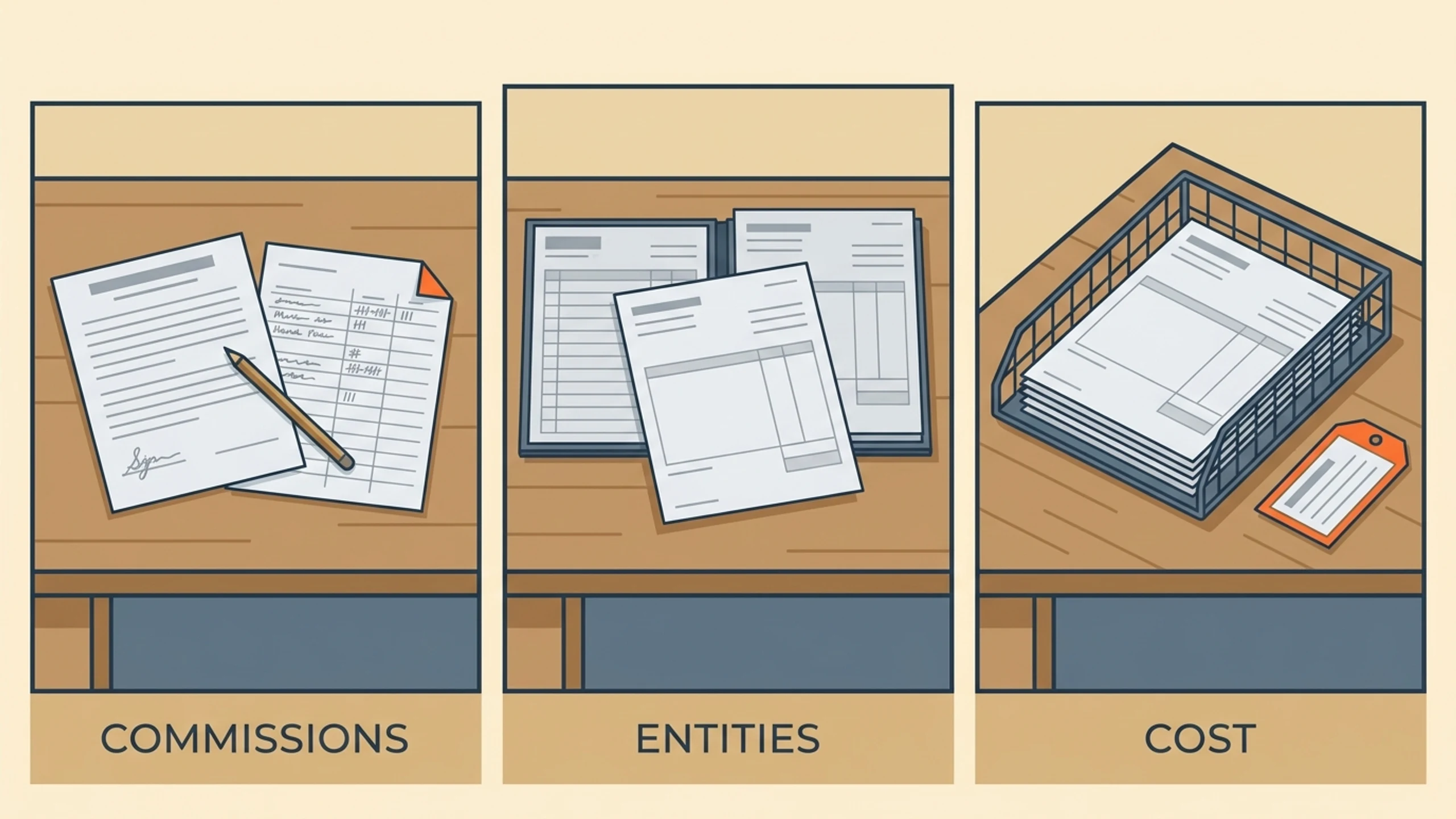
Commission and pay rules. Products model a technician getting paid for a job. They rarely model a technician earning a percentage on a service plan sold in month one that renews in month twelve, split with whoever sold it. That math almost always ends up in a spreadsheet at month end.
Multiple legal entities. Residential and commercial as separate companies, or new construction under its own books, is common in the trades and thin in the software. The office manager usually becomes the splitting mechanism.
The accounting handoff. Every product integrates with QuickBooks. What varies enormously is how much survives the trip. Revenue usually posts cleanly. Cost of goods, entity splits, and commission accruals often do not, which is why the gap between a field service platform and QuickBooks is the most common thing we get called about in the trades.
Is a platform the right buy for your shop?
Four questions, and the answers point clearly.
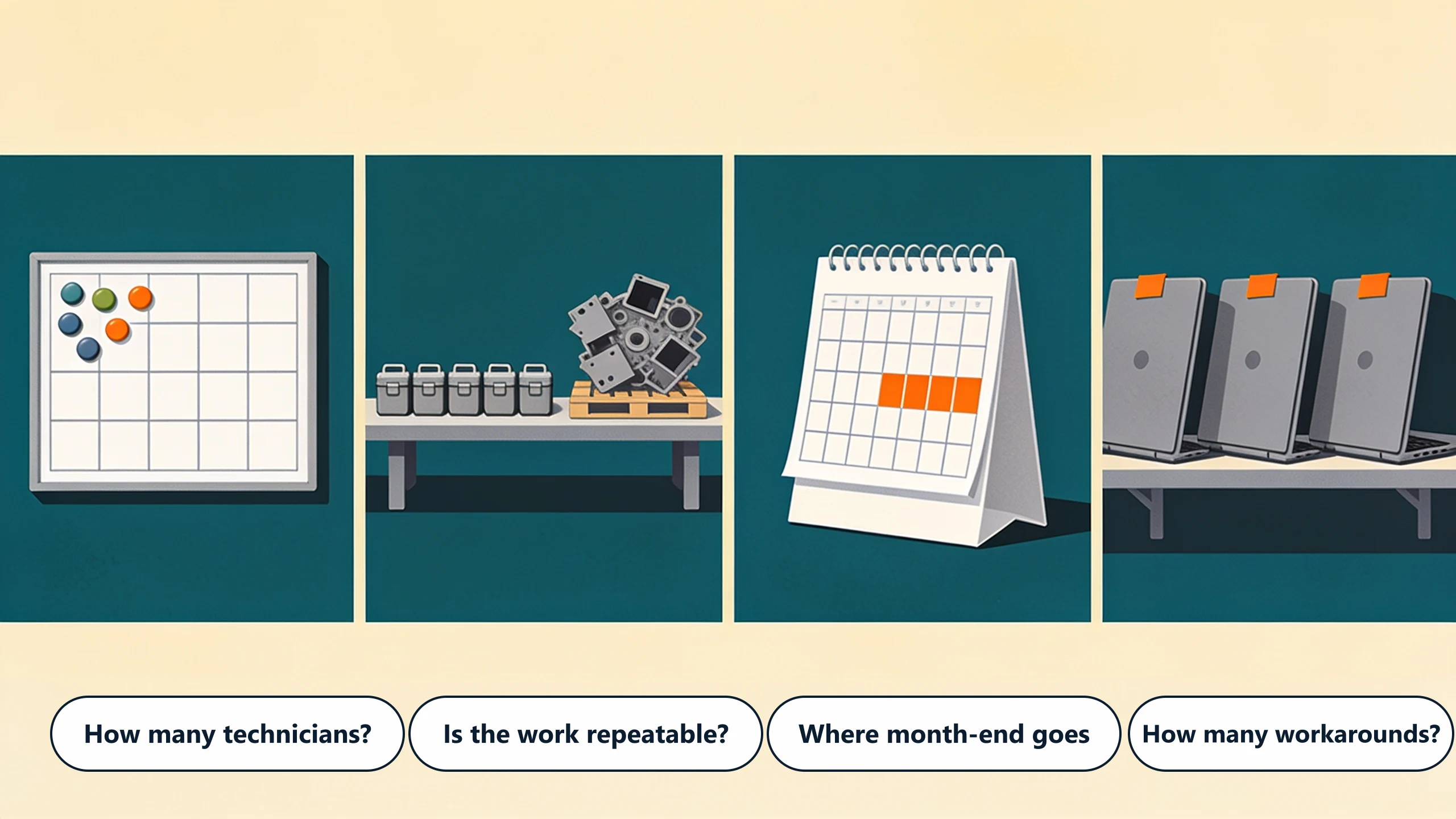
How many technicians?
Under ten, dispatch fits on a whiteboard and the answer is often "not yet." Above roughly twenty, the coordination cost is real and a platform earns its fee on scheduling alone.
Is your work mostly repeatable?
Service calls and planned maintenance are exactly what these products model. Project work with phases, submittals, and progress billing is a different shape, and a field service platform will fight it.
Where does month-end time actually go?
If your office manager spends the last three days of the month reconciling rather than invoicing, note what specifically they are reconciling. That list is usually commissions, entity splits, or parts cost, and it tells you which of the three limits above is already binding.
How many demos ended in "we would handle that with a workaround"?
One is normal. Three from the same vendor means the way your shop works is not the way the product works, and the difference gets paid for in staff hours every month after go-live.
Buy the platform, then close the gap
For most shops the answer is not either-or. ServiceTitan, Housecall Pro, Jobber, and FieldEdge are strong products, and dispatch, the mobile app, and payment capture are worth buying rather than building. The gap is narrow and specific, and it sits at the end: commission rules, entity splits, and the cost side of the accounting handoff.
That narrowness is the useful part. A shop does not need to replace a platform it just paid to implement. It needs the one layer that carries the approved numbers into accounting the way its own books are actually structured, which is a much smaller thing to build and a much smaller thing to run.
What to do this week
Ask your office manager for the last three days of month-end, task by task, with rough minutes against each. Then mark which tasks a platform would remove and which would survive it. What survives is your real requirement, and it is usually one or two lines long.
If you want a second opinion on that page, book a free 30-minute discovery call. We will tell you plainly whether a platform covers you, and if it leaves a gap, what closing it would take.
No pitch, no pressure. We diagnose, you decide.
Have a question? We reply by email, no call needed.