
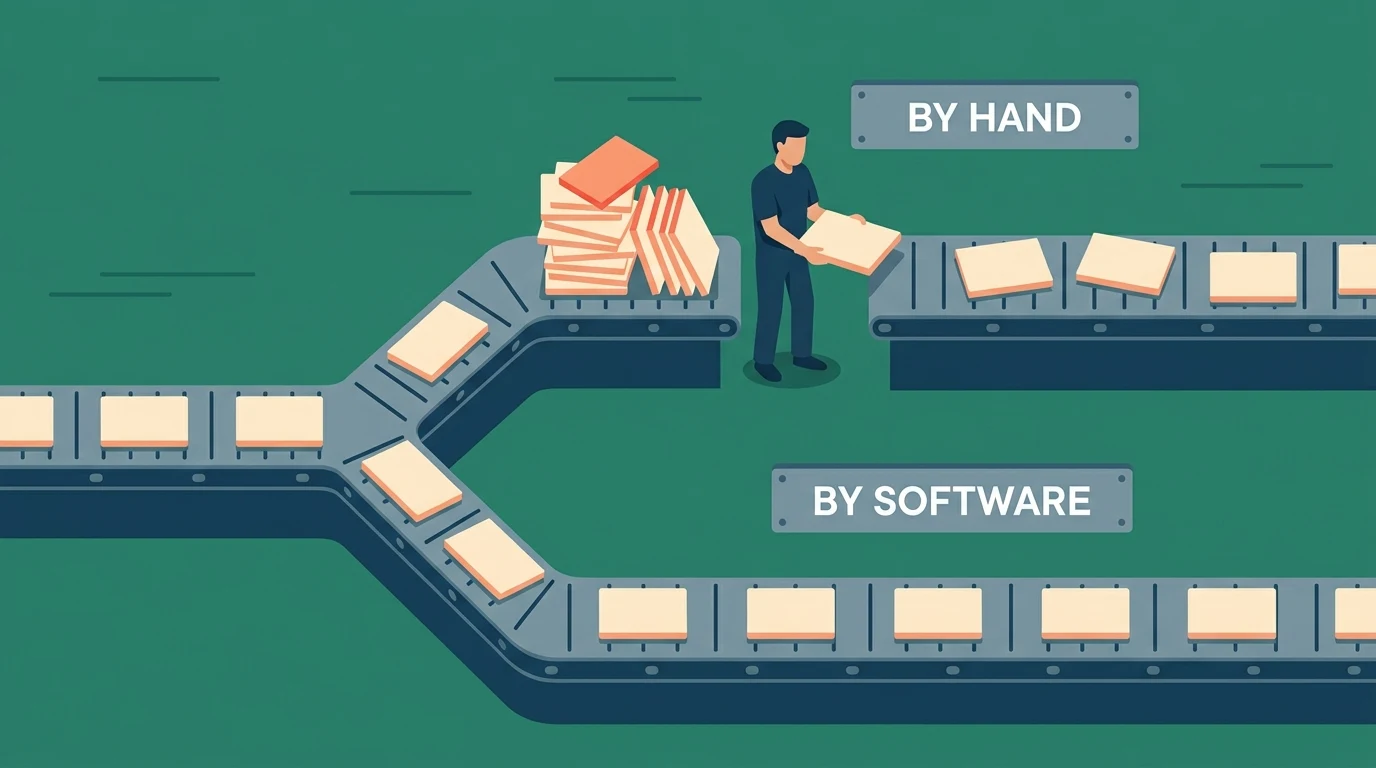
A distributor we worked with told us they had "started automating." What they meant was that their office manager had built a rule that filed order confirmations into a folder. That is automation. It is not a small version of something bigger, and it is not a step toward robots. It is a step a person used to do that a machine does now.
The word has been stretched until it means almost nothing, which is a problem when you are trying to decide whether to spend money on it. So here is the plain version, the three shapes it actually comes in, and the two places it stops working.
What automation means in a business
Automation in business is software carrying a step that a person carries by hand today. That is the whole definition. It does not require artificial intelligence, it does not require a platform, and it does not require anybody to change how they work.
The confusion comes from vendors, who use the word for two different things. Sometimes it means a feature inside a tool you already pay for. Sometimes it means a separate product you buy to connect tools together. Both are real. Neither is the thing that matters most, which is the step itself.
The unit is one handoff, not a department
People talk about automating accounting, or automating dispatch. Nothing gets automated at that size. What actually gets automated is a handoff: one specific moment where information leaves one place and arrives in another, and a person carries it across.
You can spot them without any software knowledge. Somebody reads a number off one screen and types it into another. Somebody exports a file on Monday so somebody else can import it on Tuesday. Somebody retypes an approved quote into the invoice. Each of those is one handoff, and each one is a candidate on its own.
This matters for money. A department is unpriceable. A handoff has a weekly hour count and a person attached to it, which means it has an annual number, which means you can tell whether fixing it is worth anything. Our nine worked examples are all handoffs, not departments, for exactly this reason.
Three kinds you will actually meet
Almost everything sold as automation falls into one of three shapes, and they are priced an order of magnitude apart.
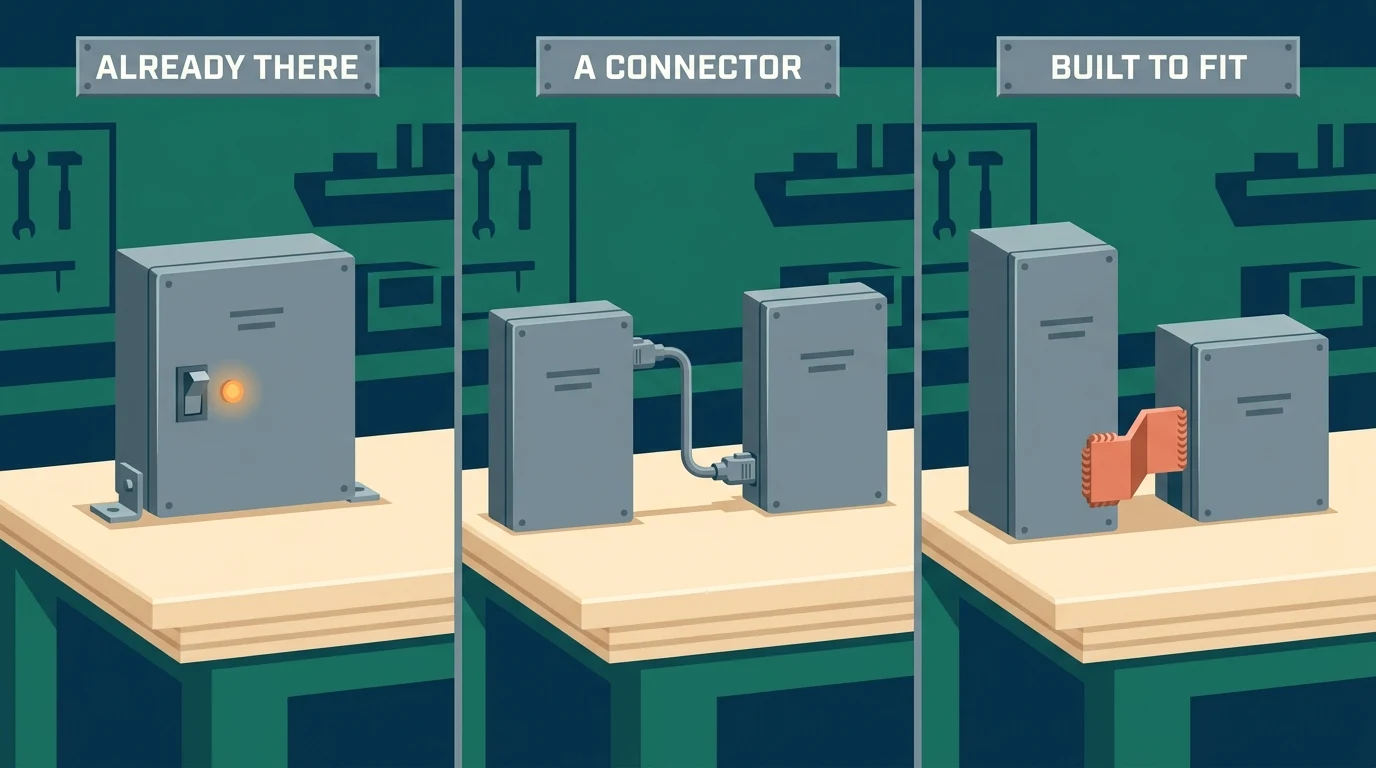
1. A feature inside a tool you already own
Recurring invoices, reorder points, appointment reminders, saved report schedules. This is the cheapest automation available because you are already paying for it. A surprising number of shops carry handoffs by hand that their existing software would do untouched, usually because the setting lives on a screen nobody opened after go-live.
2. A connector tool between two systems
Zapier, Make, and n8n sit between products and pass information across. For standard flows they are excellent, and they cost tens of dollars a month rather than thousands. They stop being the right answer at a specific and recognizable point: when the logic branches more than a few ways, or when the flow has to remember something between runs. We wrote about where that line sits in more detail.
3. A custom build around your own steps
When the handoff involves rules that only exist in your business, no product models it, because no product was built for you. This is where a small purpose-built tool earns its keep, sitting alongside the software you already run rather than replacing it. Our auto-invoicing and commission example is one of these: the invoicing itself was standard, and the commission split was not.
Where automation stops
Two limits, and both show up early.

The first is judgment. If a step depends on somebody weighing something that is written down nowhere, the software should gather everything and hand it to a person. Encoding a judgment nobody can articulate produces a flow the team routes around inside a month, and then you are paying for the software and doing the work.
The second is frequency. A handoff that happens twice a month is rarely worth building around, however irritating it is. Frequency is what turns a small annoyance into a number worth spending against, which is why the hours-per-week question comes before every other question.
Finding your first one
Sit with whoever moves information between systems, for one hour, with a notebook. Write down every point where they read from one place and type into another. You will get somewhere between four and a dozen.
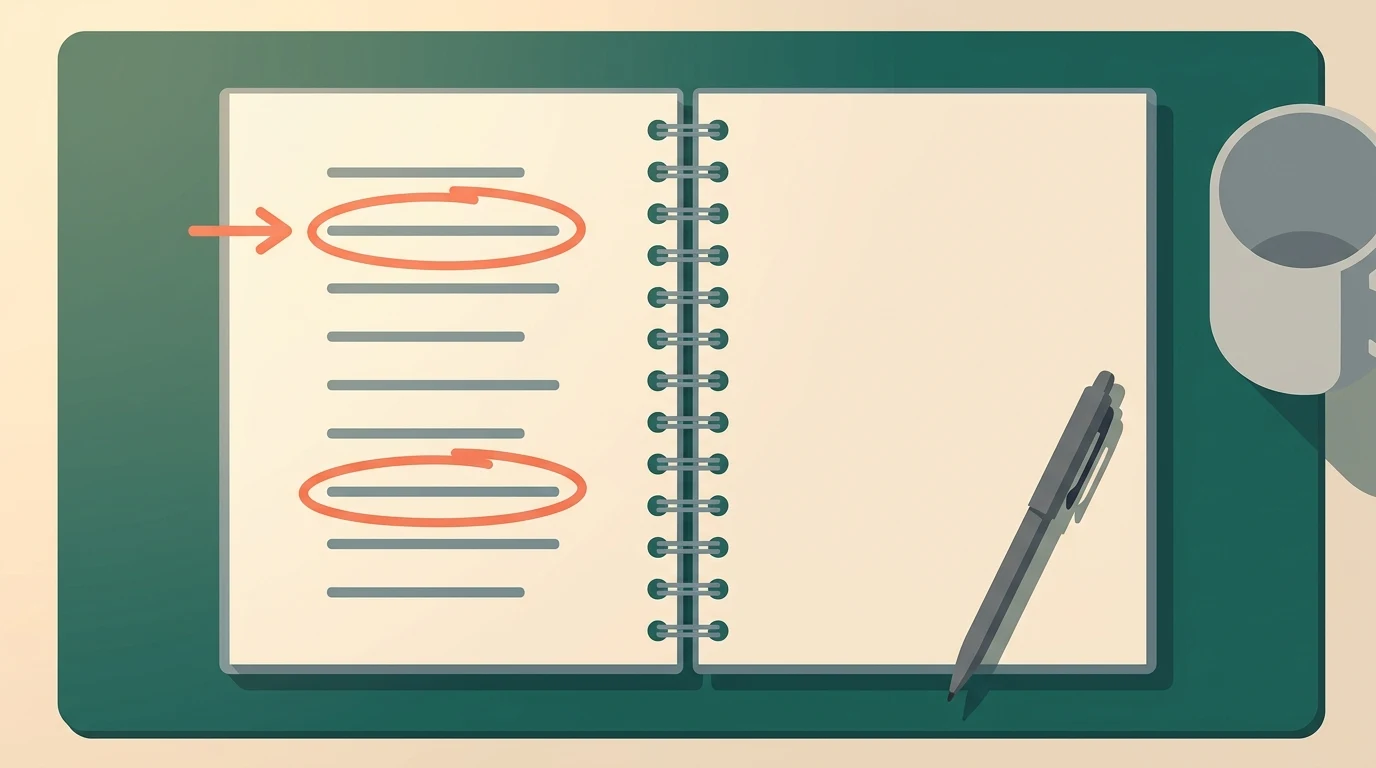
Then put two numbers against each: hours per week, and what the delay costs on top of the labor. The second is usually larger and almost nobody writes it down. A quote that takes three days is bids lost to whoever answered first. Rank by the sum, and start at the top, which is rarely the one that annoys people most. If the biggest one turns out to be a spreadsheet that has quietly become the system of record, our guide to turning a spreadsheet into a real tool covers what that move looks like.
What to do this week
Pick one person who sits between two systems and ask them to keep a tally for five working days: every time they retype something, one mark. Do not ask them to estimate it beforehand, because the estimate is always low.
At the end of the week, multiply the marks by the minutes and by fifty. If the number is large enough to notice, walk us through it on a free 30-minute discovery call. Sometimes the answer is that a setting in software you already pay for does the job.
No pitch, no pressure. We diagnose, you decide.
Have a question? We reply by email, no call needed.