

Every SME has a software stack that grew accidentally. A new tool got bought to solve one problem. Then another. Then another. Three years later, nobody on the team can name every monthly subscription on the company card. A two-hour audit fixes that.
The two costs of software-that-almost-works
Tools that almost solve a problem cost you twice. First, you pay for the subscription. Second, you pay for the human time spent working around the gap. The second cost is invisible on the credit card statement. It shows up as your office manager's overtime, your bookkeeper's reconciliation hours, or your owner's Sunday-night catch-up sessions.
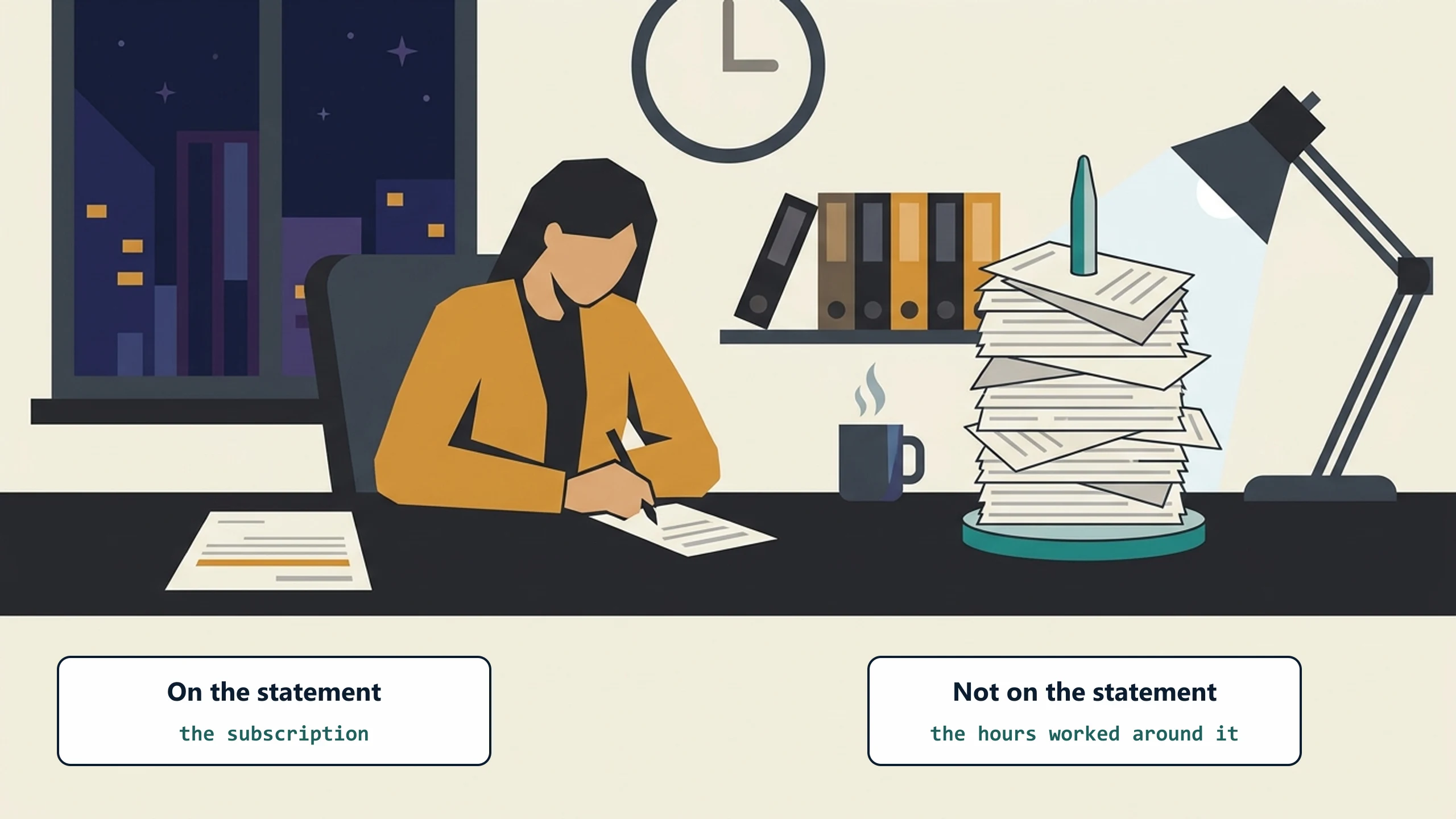
The first job of a tool audit is to surface that second cost so you can see the actual price of each subscription.
When we run a tool audit, the clearest sign of that second cost is a how-to the team wrote for itself: a page or two on making a tool work the way the business actually runs. No one writes those for software that fits. Where we find one, we usually find a person spending several hours a week bridging the gap by hand.
The two-hour audit
Block two hours, ideally with one or two operations people on your team. Pull up your last credit-card statement and your last bank statement. Have a notebook or a spreadsheet open.

Step 1: Inventory every active subscription
Go through the last three months of credit-card and bank-statement charges. Every recurring software charge gets a row. Include hosting, domain registrars, cloud storage, email, communication, CRM, project tracking, accounting, payroll, anything that recurs.
Most teams are surprised by their list. In the audits we run, twenty to forty active subscriptions is normal at a small or medium business. Half of them, nobody on the team can confidently say what they are for.
Step 2: Tag each subscription with its primary purpose
One word per subscription. Communication. Accounting. Quoting. Scheduling. Customer-portal. Marketing. Reporting. Storage.
The duplicates jump out instantly. You will probably find two project trackers, three communication tools, and two CRMs. Some of those duplicates are reasonable (different teams, different use cases). Some of them are accidents.
Step 3: Score each tool on three dimensions
For each subscription, give it a 1-to-5 score on three dimensions:
- Used: Is the tool actually used in the daily workflow? 1 = nobody touches it, 5 = used hourly by a real person on a real workflow.
- Fits: Does the tool match how your business actually works? 1 = team has a workaround document explaining how to use it, 5 = native fit, no workarounds needed.
- Worth: Is the price proportional to the value? 1 = paying way more than the tool is worth, 5 = price is a steal for the value.
Add the three scores. The tools with totals under 9 are candidates for cancellation. The tools with totals between 9 and 12 are candidates for replacement or augmentation. The tools above 12 are keepers.
Step 4: Identify the bridges
For each tool that does not score 5 on "fits," ask: who on the team works around the gap, and how much time per week does that take? Multiply the weekly time by 50 weeks (vacation included) and by their fully-loaded hourly cost. That number is the hidden tax of the subscription.
You will find a few subscriptions with hidden taxes that are 5 to 10 times their actual subscription cost. Those are the candidates for either replacement or for adding a custom integration that closes the gap.
Step 5: Decide
You should now have a list with three tiers:
- Cancel: Tools nobody uses. Just cancel. Most businesses recover $200 to $1,500 per month on this step alone.
- Replace: Tools that scored low because they do not fit. Look for a better-fit alternative or consider custom software.
- Augment: Tools that scored well on "used" but had high hidden taxes. Add a custom layer that closes the gap (a custom portal, a custom integration, a custom dashboard) instead of replacing the underlying tool.
Where custom software fits
Most of the savings from a tool audit come from the cancel column. The biggest gains usually come from the augment column. Replace is the rarest and the riskiest of the three.
The augment approach is the most underused. You have an ERP that works. Or a QuickBooks that works. Or a rental management system that works. The gaps are the customer-facing experience or the workflow that lives between two of those systems. Adding a thin custom-software layer that closes the gap is usually faster, cheaper, and lower-risk than replacing the underlying tool.
This is the approach ByteQuix focuses on. We rarely build replacements for ERPs or QuickBooks. We mostly build the layer that sits on top of an ERP and a QuickBooks and closes the gap that was costing your office manager 10 hours a week.
Make this a quarterly habit
Software stacks drift. New tools get added. Old tools stop being used. People leave and the subscriptions they signed up for stay billed. Run this audit every quarter. Two hours. Block it on the calendar like a board meeting.
A first pass usually recovers somewhere between a tenth and a third of the software spend. Less the second time, less the third time, but the discipline keeps creep contained.
Want help running it?
If you would rather not run this by hand, the free SaaS audit does the same pass for you: a one-page map of your subscription stack with the overlapping and underused tools flagged. The playbook above also gets most of the way there with a notebook.
If you would rather walk through your specific stack with us, book a free 30-minute discovery call. We will help you spot the augment candidates, the cancel candidates, and the replace candidates without trying to sell you something.
No pitch, no pressure. We diagnose, you decide.
Have a question? We reply by email, no call needed.