

The small businesses we audit, 25 to 75 employees, are usually paying for 12 to 28 SaaS subscriptions. About 4 to 9 of them are doing real work. The rest are paid out of inertia, billed to a credit card the founder forgot about, or used by one team member for one task. The first audit usually surfaces $15,000 to $40,000 a year in subscriptions that can be cut, downgraded, or consolidated. Here is the practical playbook. Owners expect the savings to come from forgotten trials and abandoned tools, and we cancel plenty of those. But the bigger find, almost every time we run an audit, is duplication: two CRMs, two project trackers, three apps each doing part of one job, with a person stitching them together by hand. That overlap is the workflow we usually end up rebuilding as a single tool.

How sprawl accumulates
Nobody made a bad decision. Five things happened in roughly this order.
The free trials never got cancelled
Someone evaluated three project-management tools four years ago. Two trial subscriptions converted to paid plans because nobody cancelled in time. They have been billing $15 to $40 per month ever since.
The team-member-specific tools
One developer needed a code-review tool. One designer needed a Figma seat. One sales rep needed a prospecting tool. Each tool is appropriate for that role. Nobody knows the total because they are billed to different cards or under different department codes.
The legacy decisions
The company adopted an email-marketing tool five years ago. They since switched to a different one. The old subscription is still active, paying for a list that has not been emailed in three years.
The configuration that became a tool
Someone built a Zapier configuration that became the company's most important automation. Zapier is now $89 per month and load-bearing. Nobody documented what the zaps do.
The bundle creep
The company subscribed to a productivity suite (Google Workspace, Microsoft 365). The vendor added new tools to the bundle that get used opportunistically. The bill grew quietly through tier upgrades nobody fully tracked.
The inventory framework
The audit takes 4 to 8 hours of focused work. The output is a single spreadsheet. The numbers usually surprise the owner.
Step 1: Pull the data
Download credit-card and bank statements for the last 12 months. Filter for recurring software charges. Pull receipts from finance. List every subscription with its monthly amount and annualized cost.
Step 2: Tag each tool by status
Six tags are enough. CORE (load-bearing, would notice in a day if it stopped). USED (one or more people log in weekly). LEGACY (no longer needed, just billing). DUPLICATE (covers the same job as a CORE tool). UNDERUSED (paying for tier higher than usage). UNKNOWN (cannot identify who uses it).
Step 3: Rank the cuts
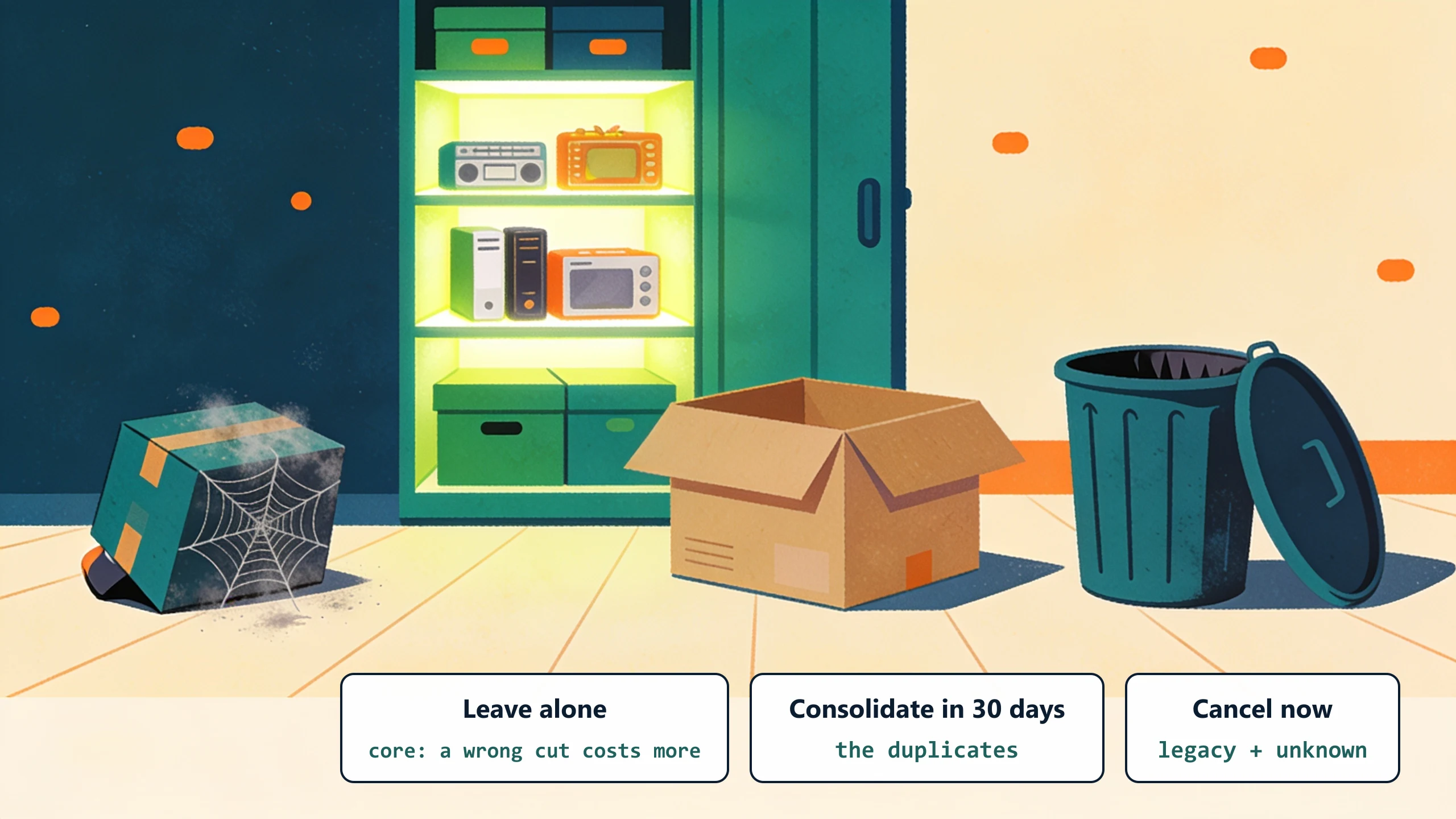
LEGACY and UNKNOWN cancel immediately. DUPLICATE consolidates within 30 days. UNDERUSED downgrades on next renewal. CORE and USED stay. Do not optimize CORE; the cost of the wrong cut here exceeds the savings.
Step 4: Find the consolidation candidates
Look at the USED tools. Are there three CRMs? Two project trackers? Two scheduling tools? Two email senders? Pick one of each and migrate. The migration takes 2 to 6 weeks per consolidation, more for CRMs and less for scheduling.
The custom-plus-managed angle
The audit usually surfaces 2 to 4 workflows where the company is paying for multiple SaaS tools that exist because no single tool handles the workflow correctly. These are custom-software candidates.
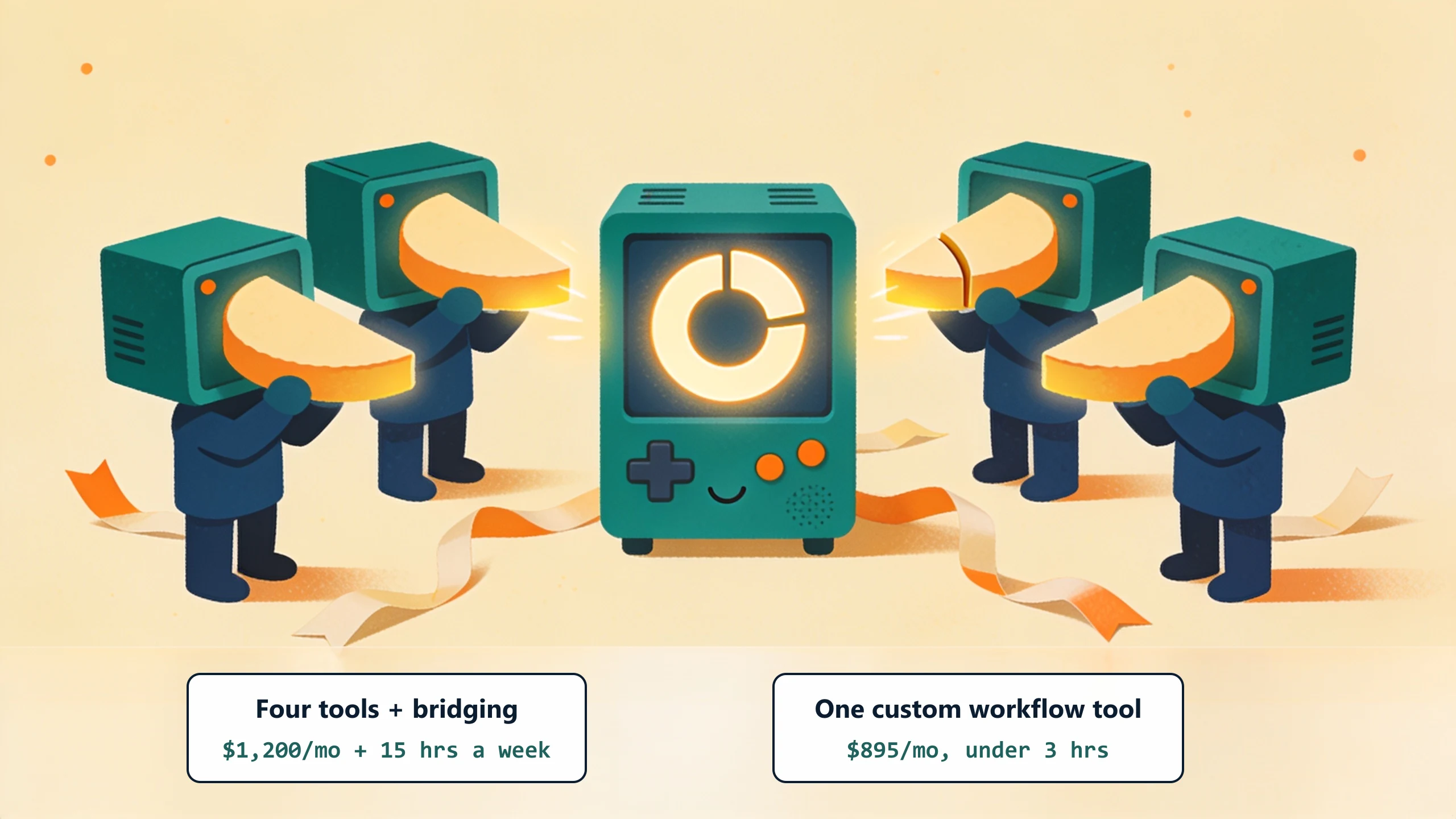
Example: a contractor pays for a CRM, a quote tool, a project tracker, and a billing tool. Each handles 60 to 70 percent of one job, with the remaining 30 to 40 percent done in spreadsheets that bridge the four tools. Total: $1,200 per month for the SaaS plus 15 hours per week of bridging time. A custom-plus-managed workflow tool that integrates with QuickBooks and replaces the four-tool stack runs a flat monthly fee. The bridging time goes to under 3 hours a week. Pure savings.
What to do this week
Block 4 hours on your calendar. Run steps 1 and 2 of the inventory. The list almost always surfaces $5,000 to $15,000 of immediate cancellations and 2 to 4 consolidation candidates. Bring the list to a free 30-minute discovery call and we will scope which candidates would benefit from a custom workflow tool versus a SaaS consolidation.
No pitch, no pressure. We diagnose, you decide.
Have a question? We reply by email, no call needed.