

People who search "inventory management software in Excel" want one of two things: a template, or permission to keep the workbook they already run. The permission is real. Excel is not a toy version of inventory software you graduate out of on principle. It is real inventory software, running on a spreadsheet engine instead of a database, and it works right up until a specific set of things happen. That line sits somewhere other than where software vendors draw it.
What "inventory management software in Excel" means
Three different things get searched under one phrase, and they hold up very differently. The first is a flat list: one tab, one row per item, a quantity column people edit directly. That is not inventory software. It is a list that happens to have numbers on it, and it starts lying the first week two people touch it.
The second is a linked workbook: an item list, a log of what moved, formulas that roll the log into a current count. That is real inventory software. It does the job, on the engine Excel gives you, and our three-sheet template is that shape built out in full.
The third is a workbook with logic bolted on: macros that flag reorders, a VBA button that emails a purchase order, a pivot that becomes the weekly count sheet. Also real. Also the version most likely to quietly become somebody's whole job.
How far a well-built Excel system goes
Further than most people assume, less far than the size limits suggest. Excel's ceiling is 1,048,576 rows per sheet, which nobody in inventory ever hits. Nobody fails at 900,000 rows. People fail at 40. The number that runs out first is never storage. It's coordination.

"Excel works fine" has a specific shape: one person owns the file, or at most two who never edit it at the same moment. One building. Whole units, not partial lengths or weights or lot splits. A few hundred active items with regular movement, not a few thousand. Nothing downstream needs the count to update itself, because a person still opens the file and looks.
One of the distributors we build for ran exactly that setup for years on a single quantity column. It worked, in the sense that the business ran. The count was right on Friday and wrong by Monday, and eventually nobody could say why. That is not a story about Excel being bad software. It is a story about what happens when the coordination need quietly outgrows the file while the file itself looks unchanged.
What fails first, and what fails next
They do not all arrive at once, and they do not arrive in the order people expect. Size is rarely first. This is.
First: concurrent edits, silently
Two people open the same file, or the same synced copy, and both edit before either saves. One version wins. The other person's rows are just gone, and nothing on screen says so. This is the first failure because it needs the least growth to trigger: one extra person with edit access is enough. A shared drive does not fix it. A shared drive is exactly the mechanism that loses the rows.
Second: nothing stops an impossible number
A cell will hold negative eight just as happily as it holds eight. Nothing in Excel refuses to promise the same nine units to two different customers, because nothing in Excel knows what "already promised" means unless you built that formula yourself and nobody broke it since. The spreadsheet will record the impossible movement cleanly. You find out at picking, when the shelf and the screen disagree and somebody has to walk over and look.
Third: a corrected cell erases its own history
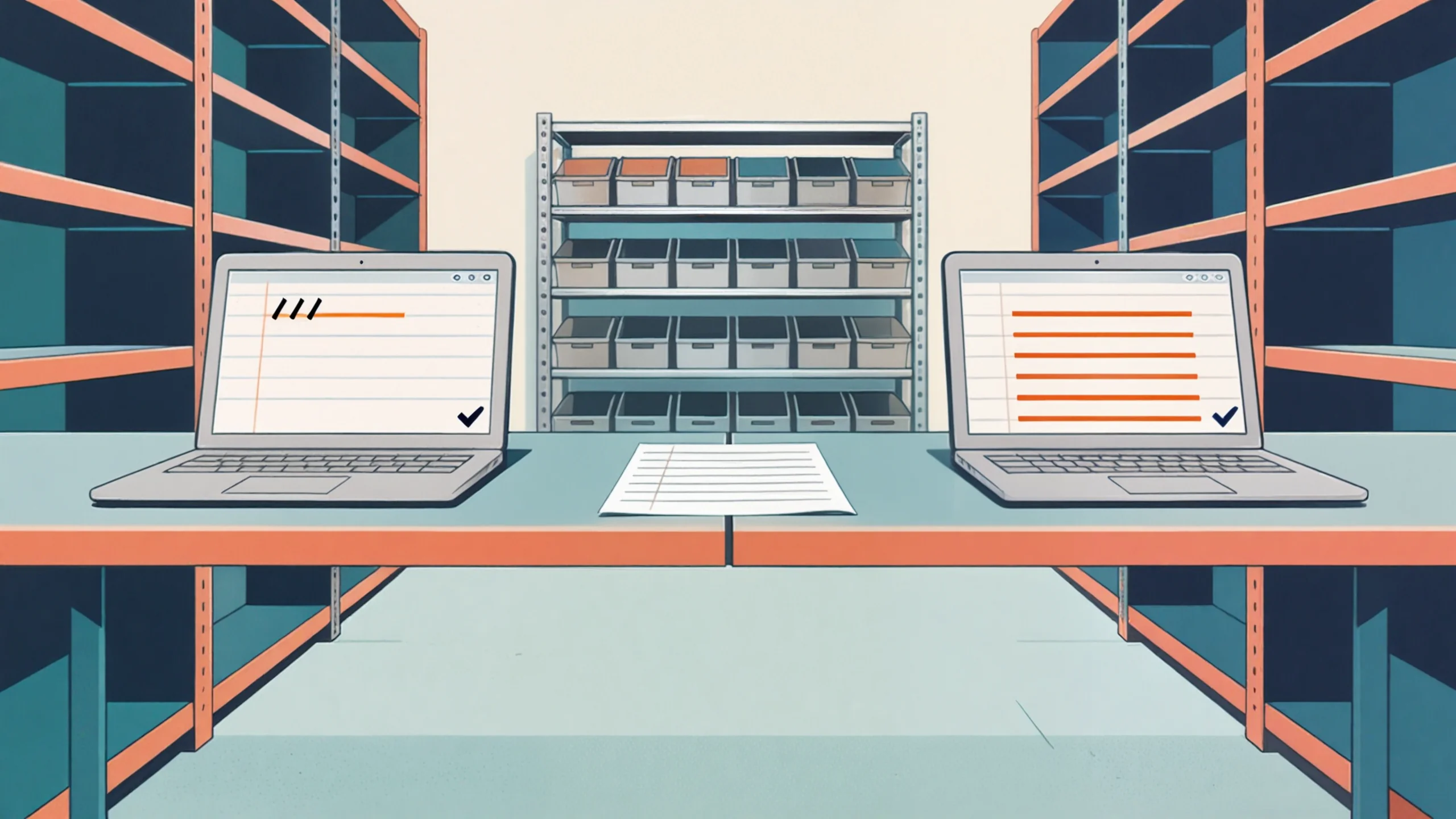
Someone notices the count is wrong, and does the obviously reasonable thing: types the right number over the wrong one. Done, count fixed, five seconds. Except the only record of what the number used to be, and what changed it, just disappeared. Next month the same gap opens up and there is nothing to trace it back to, because the fix itself was the thing that destroyed the evidence.
Notice what is not on this list. Running out of rows is not on this list. Formulas getting slow is not on this list, not below a few thousand active lines. The things that break an Excel inventory system are all about more than one person touching stock without the file knowing it, not about the file getting big.
What Excel genuinely gets right
Worth saying plainly, because the category is easy to sneer at. Data validation dropdowns keep item codes from drifting into six near-identical spellings. A named range and INDEX-MATCH hold one item master every other sheet points at, the same idea real databases charge you for. Conditional formatting on a reorder-point column is a working alert system, free, for as long as one person checks it. None of that is a workaround. It is the correct use of the tool, and a workbook built this way earns the years it usually gets.
When to stop patching and build something
Not at a size. At an event. The event is a second person who needs to record a movement at the same time as the first, from a different room or a different truck. Or a downstream system, an accounting entry, a customer order confirmation, that has to read the count without a human relaying it. Either one turns the three failures above from occasional to weekly, and weekly is where the cost stops being annoyance and starts being money.

One of the distributors we build for hit that event from a different direction: their orders arrived through five channels, phone, email, fax, a web portal, and outside reps, and email alone backed up for hours before anyone even got to the inventory count behind it. The spreadsheet was never really the bottleneck there. The number of separate places trying to touch the same truth at once was. That is usually how it goes: something else outgrows coordination first, and the inventory sheet is just the next thing standing in the way.
If none of that describes you yet, do not go shopping. Read what inventory software does underneath the feature list so you know what you would be buying, and keep running the workbook. If it does describe you, a custom inventory build keeps everything else in your stack exactly where it is and replaces only the coordination the spreadsheet can no longer carry, not the whole way you count.
What to do this week
Count how many people currently have edit access to the file, and how many of them have opened it in the same hour at least once this month. That single number tells you which failure you are closest to, concurrency if more than one person was in there, enforcement if a downstream system already reads the sheet unsupervised. If you want a second opinion on which side of the line you are on, book a free 30-minute discovery call and walk us through the file.
No pitch, no pressure. We diagnose, you decide.
Have a question? We reply by email, no call needed.