

In a lot of SMBs, the operations team's most important software is an Excel workbook with 4,000 lines of VBA written in 2014 by a person who left in 2019. The macros run quotes, generate weekly reports, build commission calculations, and post journal entries. Inventory counts often ride on the same macros, and how far a workbook can carry inventory has limits of its own. They mostly work. They break in ways that take half a day to diagnose. And when they finally fall over, the company loses a week of productivity. If this sounds familiar, the cost of staying on macros is now larger than the cost of moving off them. Here is how to know and what to do.
Why macro-driven ops accumulates
Nobody set out to make a macro the source of truth. It happened in three predictable steps over five to ten years.
Step 1: Someone smart wrote a useful macro
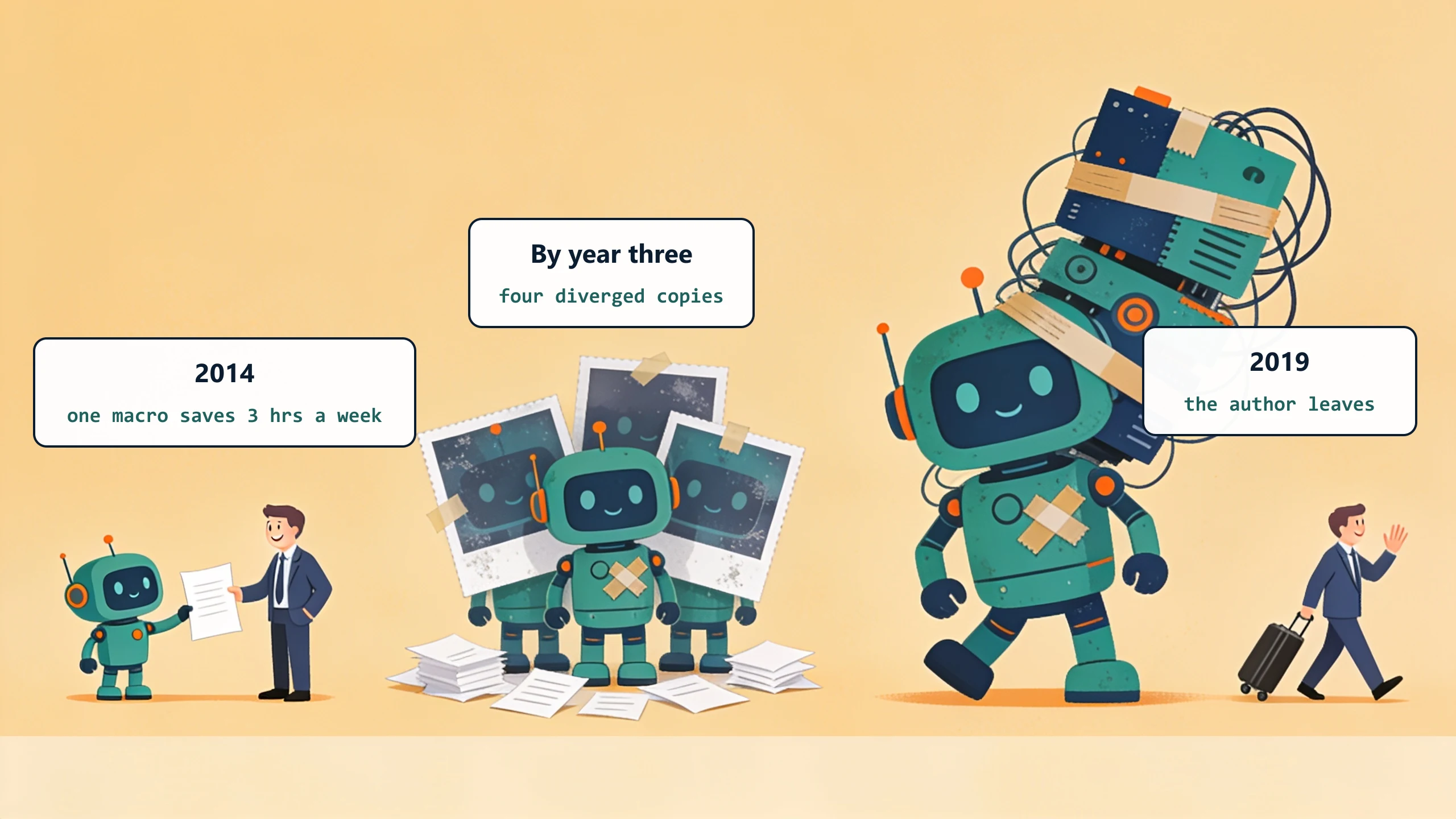
An ops manager or a controller, almost always self-taught, built a macro that automated a tedious weekly task. The macro saved 3 hours a week. Everyone was grateful.
Step 2: The macro got reused, copied, extended
Other teams asked for tweaks. The macro grew. Someone copied it for a different report. The copy diverged. By year three, the company had four versions of the same macro and one shared workbook that nobody fully understood.
Step 3: The original author left
The macro is now load-bearing infrastructure. The remaining team can run it but cannot modify it. The first time it breaks (because Excel updated, or because a customer-facing form changed), the company spends a week finding someone who can read VBA. Maybe two weeks.
The signals you have crossed the line
A macro has crossed from tool to liability the moment one person owns it and it fails without anyone noticing: a number comes out wrong and the mistake rides along for a week. That pairing, single-owner plus silent failure, is the first thing we check, because a workbook that breaks loudly at least announces itself, while one that breaks in the dark is already costing the business in errors it cannot see.
Three signals together mean the cost has flipped.
Nobody on staff can debug the macros
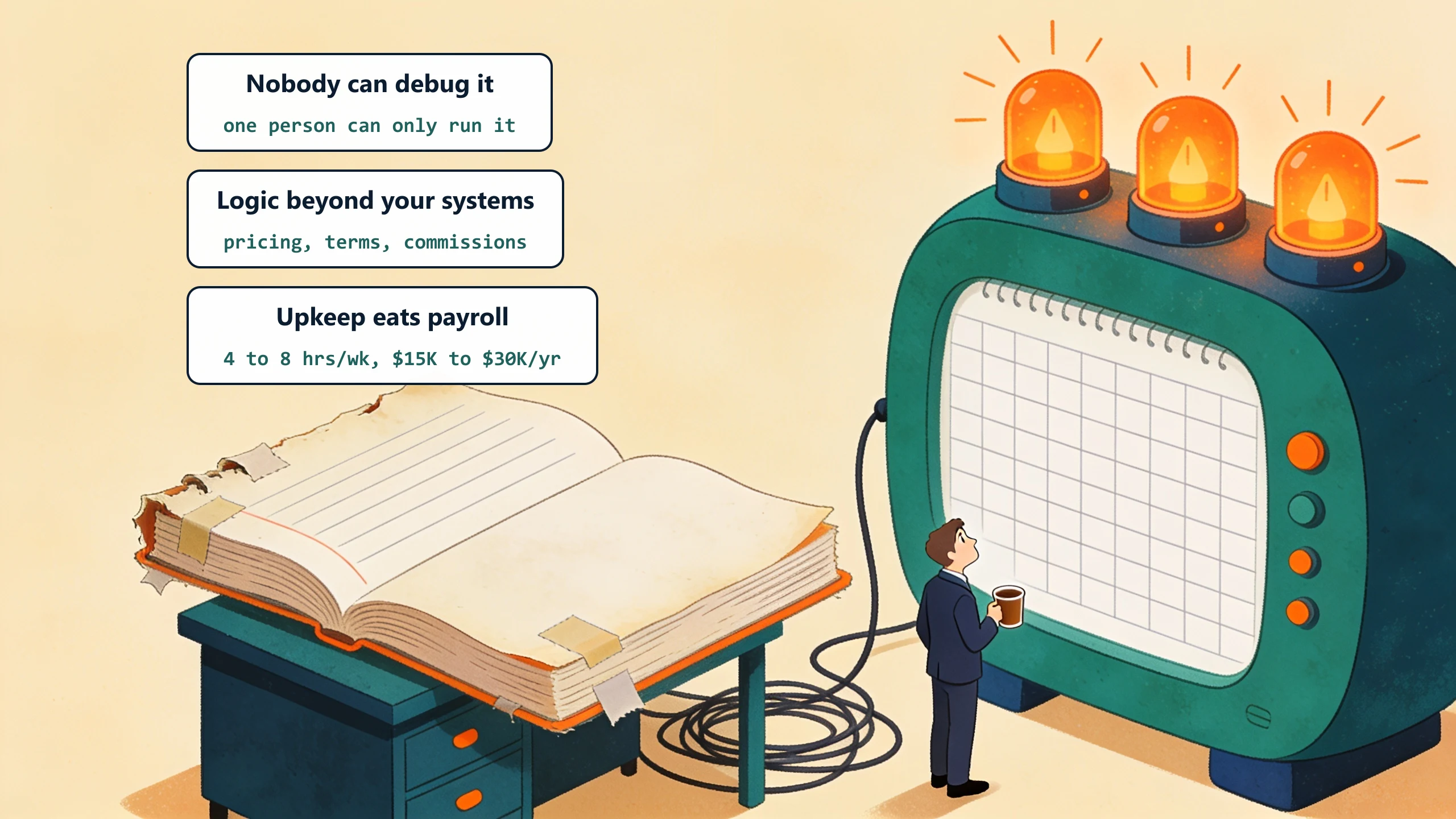
You have one person who knows where the macros live and can run them. Nobody can modify them. When they break, you wait for the original author to consult, hire an Excel freelancer, or guess.
The macro has more business logic than the systems around it
Pricing rules, customer-specific terms, commission formulas, approval thresholds. If the workbook fell into a competitor's hands, they would learn meaningful things about how your business works. That logic should not live in a workbook.
Macro maintenance is a line item in someone's job
If the answer to "who maintains the workbook" is "Susan, when it breaks," and Susan now spends 4 to 8 hours per week on it, you are paying $15,000 to $30,000 per year in salary to maintain a workbook. That money buys real software.
What the upgrade actually looks like
Three paths, increasing in cost and capability.
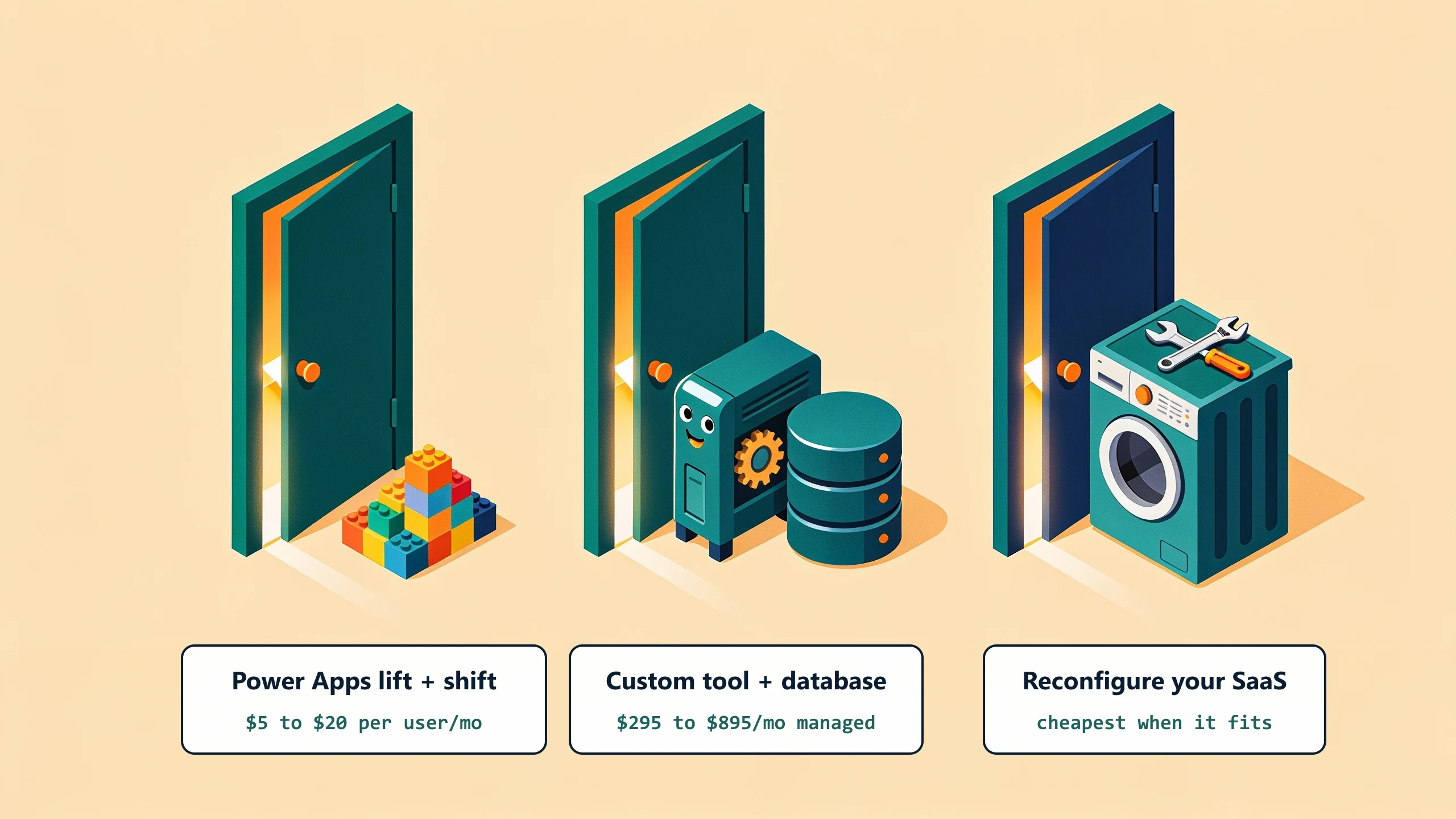
Lift and shift to Power Apps or Power Automate
Microsoft's low-code platform inherits some of Excel's familiarity. Cost: $5 to $20 per user per month. Works for moderately complex macros. The trade-off is similar to the original macro situation: you are again building on a low-code platform with limits and a learning curve, just a different one.
Custom workflow tool with a real database
Replace the macro logic with code, the workbook data with a real database (Postgres, SQL Server), and the spreadsheet UI with a web interface tailored to the workflow. Build cost: $25,000 to $75,000 project-based, or a flat monthly fee custom-plus-managed. The model fits when the macro is doing real business logic and the company needs the result to be reliable.
Move the workflow into existing SaaS
Sometimes the macro exists because the SaaS the company already pays for did not configure correctly the first time. Hire an implementation consultant for the SaaS. Cheaper than building custom. Works only when the macro logic actually fits within the SaaS configuration limits.
What to do this week
Open the workbook. Read the VBA. If you cannot, find someone who can and pay them for two hours of their time to inventory what the macros do. The inventory tells you whether the right move is a custom build, a SaaS configuration project, or a Power Apps lift-and-shift. Bring the inventory to a free 30-minute discovery call and we will tell you which path pencils.
No pitch, no pressure. We diagnose, you decide.
Have a question? We reply by email, no call needed.